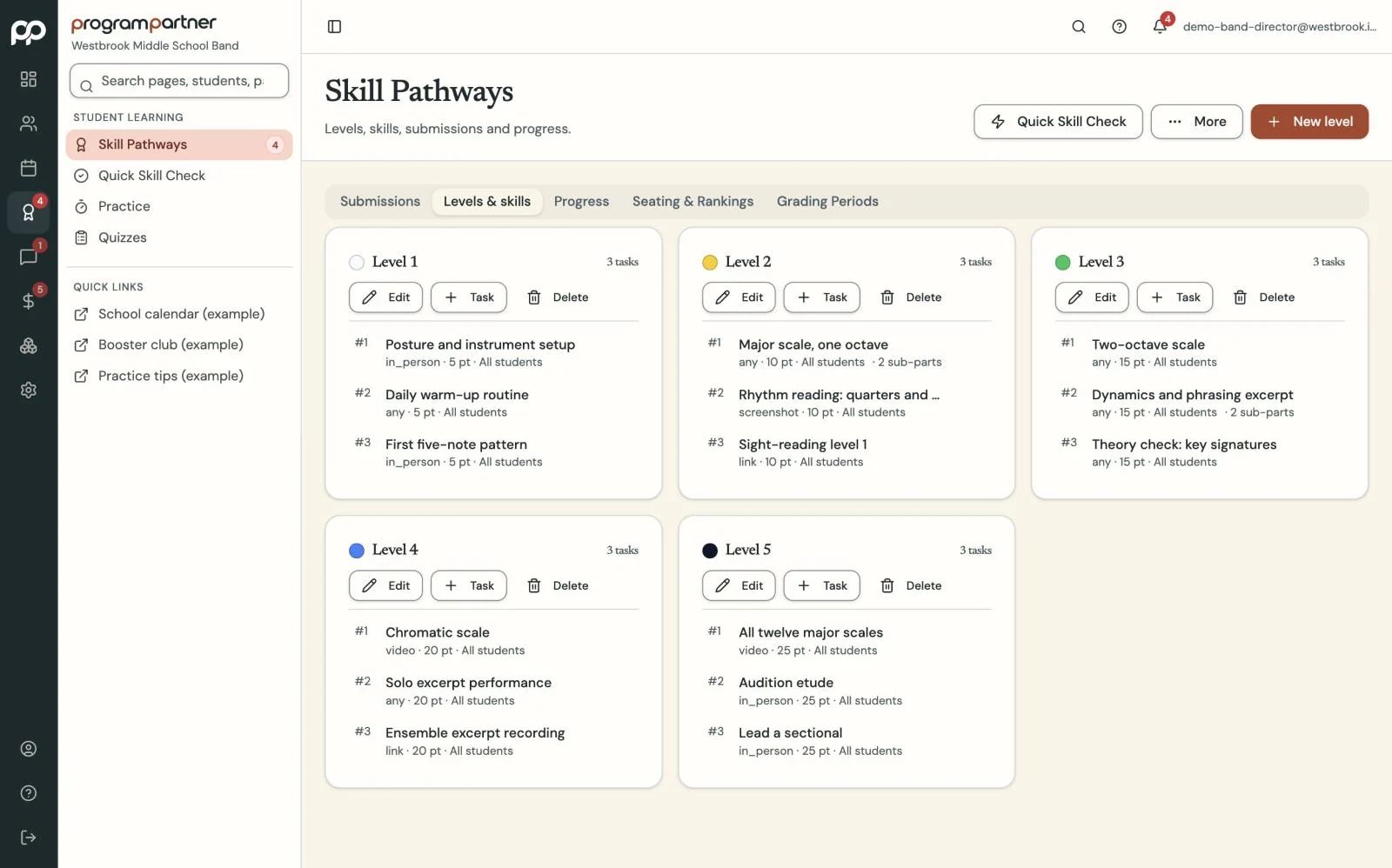
Set up your levels and skills, and call them whatever your program calls them.
Teaching tools that speak your program's language.
Skill Pathways, practice logs, curriculum, quizzes and attendance, renamed to match the words your students already use.
How it works
-
Step 1
-
Step 2
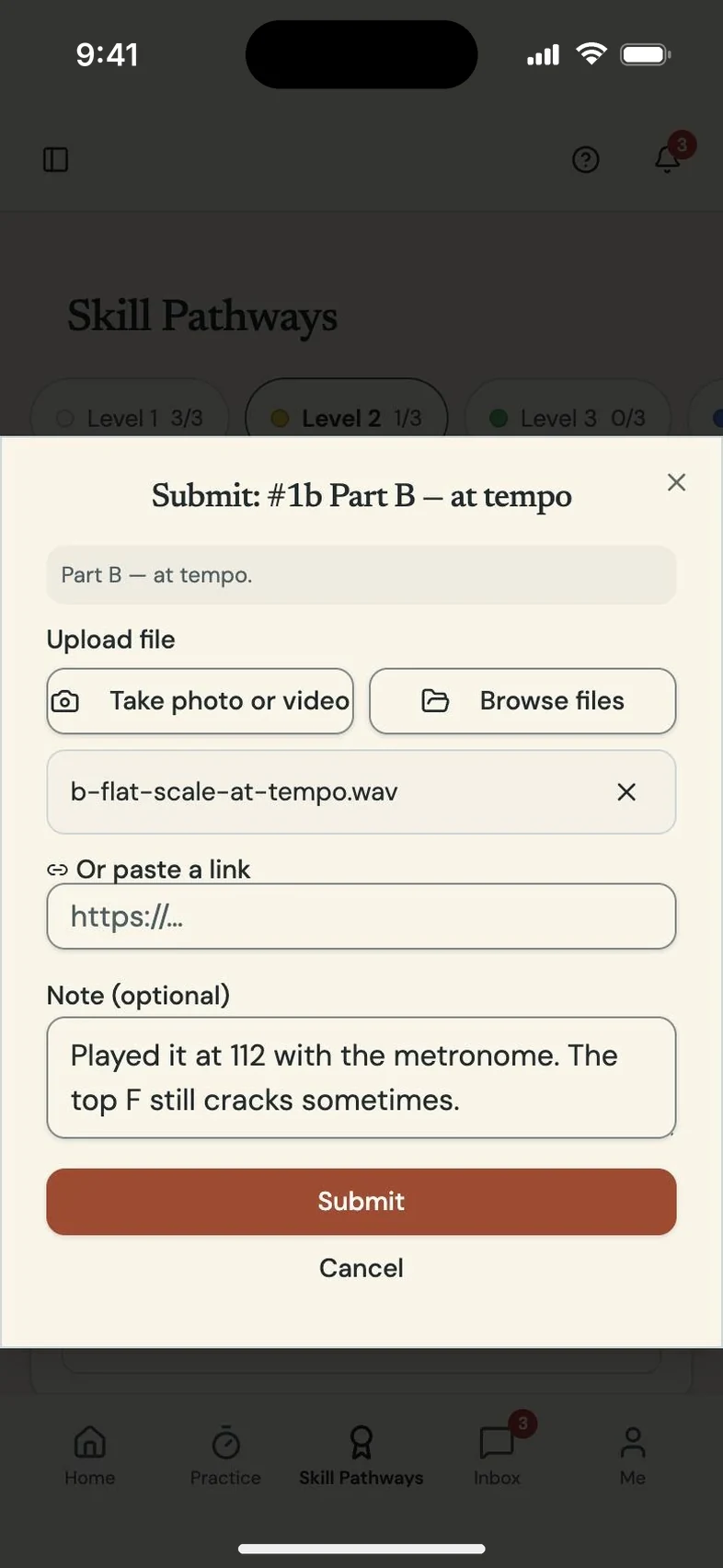
Students submit recordings and practice logs from their phones.
-
Step 3
You grade, give feedback and see progress across the whole program.
-
Step 4
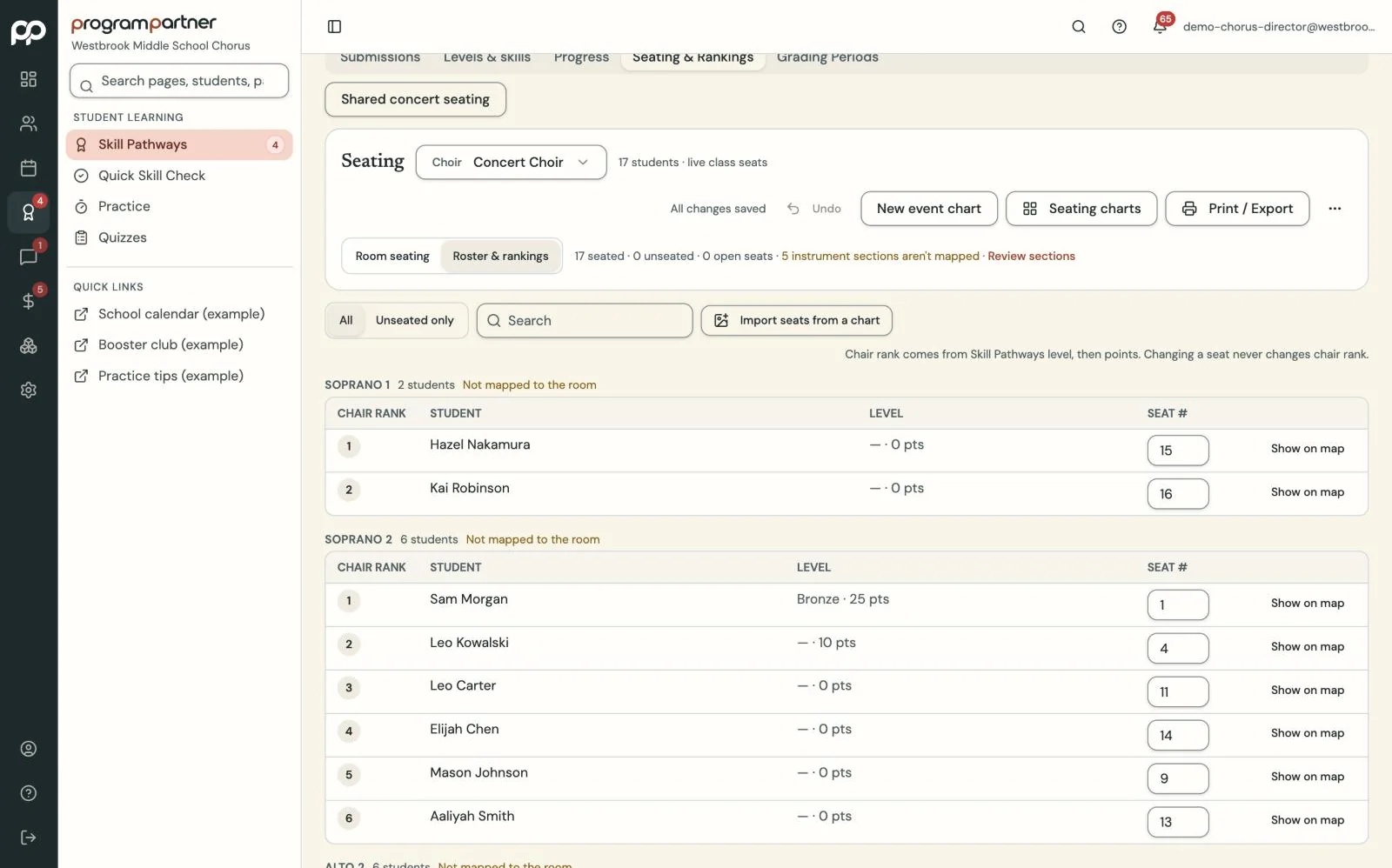
Their rankings can set the class seating chart.
What you get
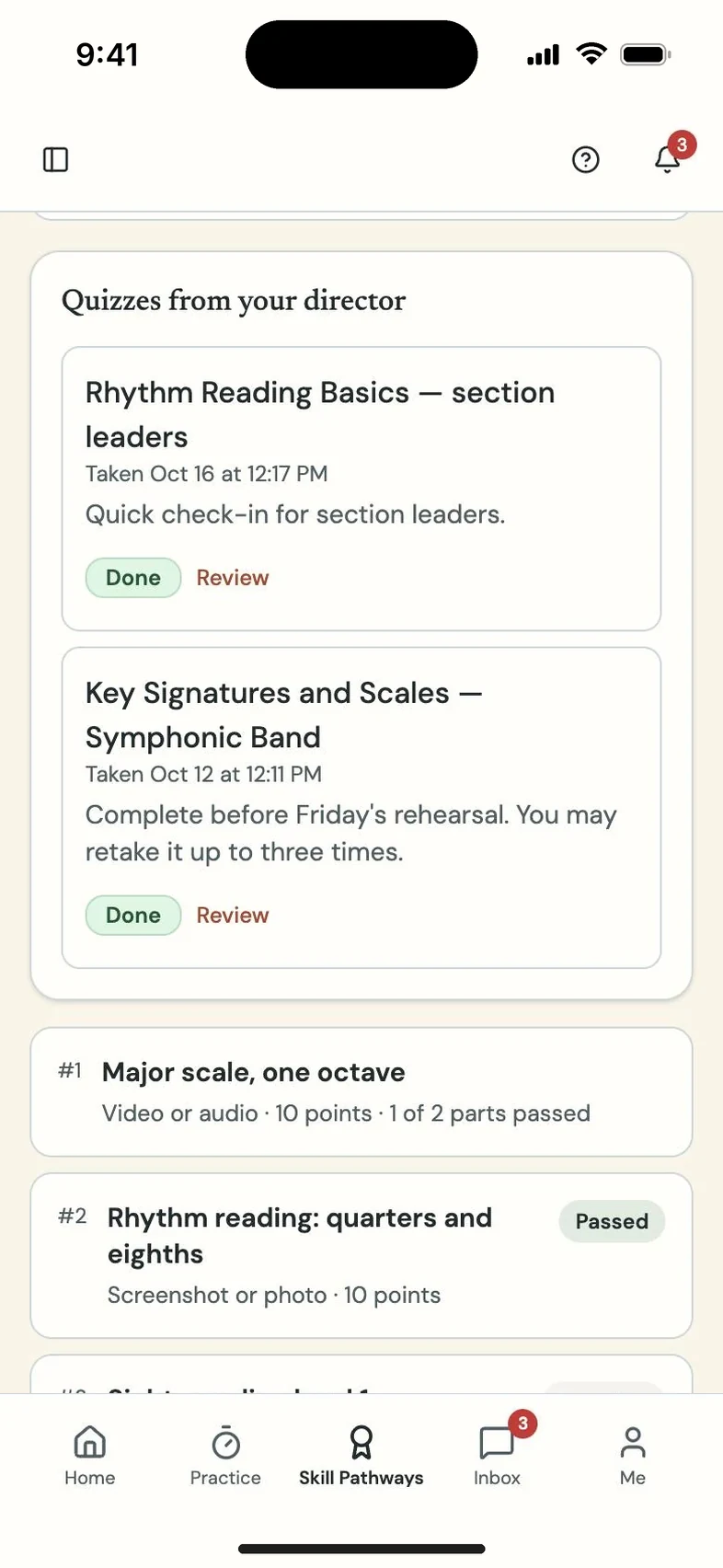
Skill Pathways gives students leveled skills to pass with video or audio submissions, graded pass or try again, plus a Quick Skill Check for in-person passes. Rename the program, levels and skills to match your own.
Practice Studio collects practice logs, reflections and recordings, with your feedback and optional parent sign-off. Attendance covers rehearsals, lessons and events, with parent absence requests.
Questions directors and teachers ask
We already have our own belt system. Can we keep the names?
Yes. Rename the program, the levels and the skills.
Do I have to use all of this?
No. Each tool turns on or off for your program.