
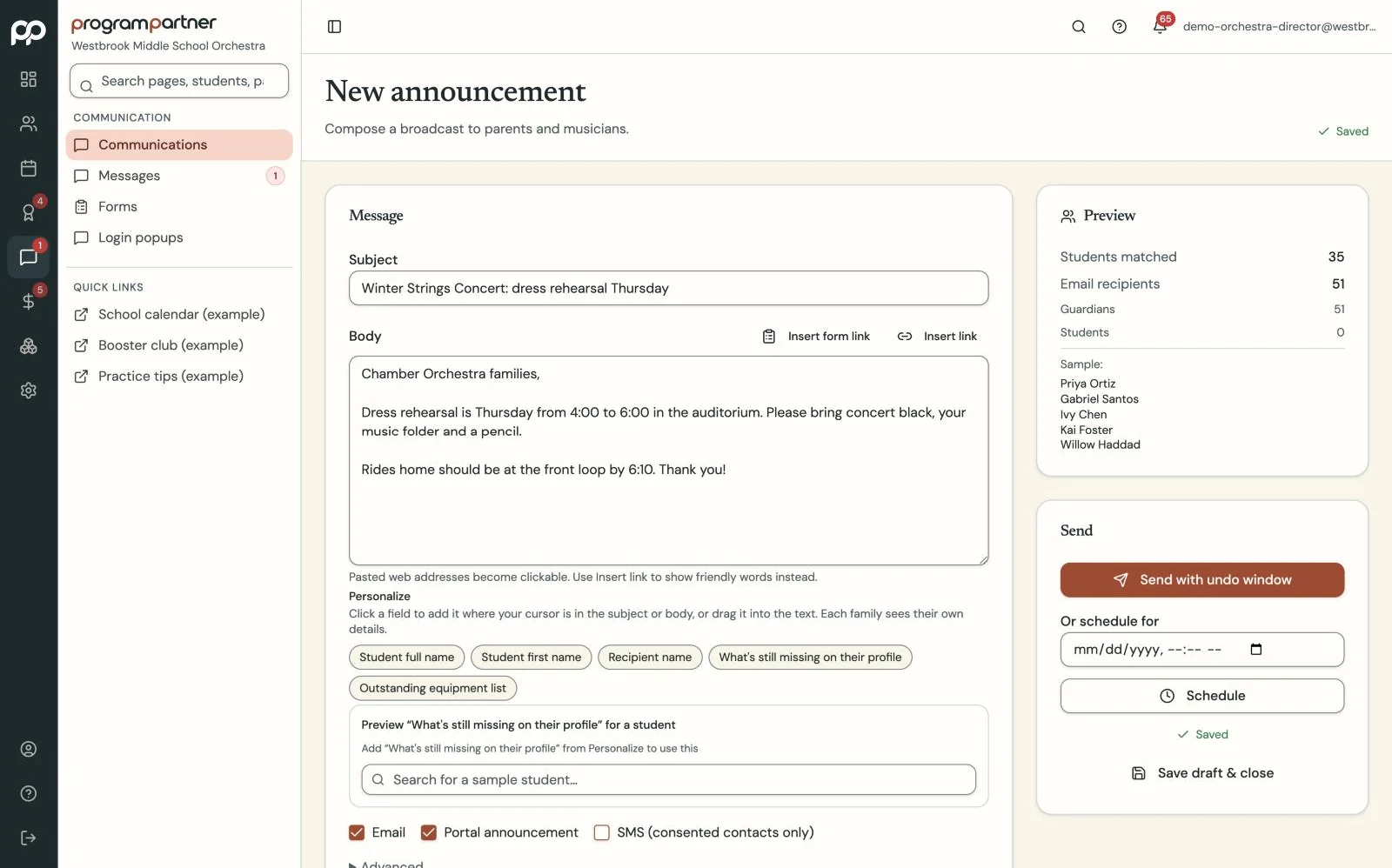
Write it once and choose who it's for: everyone, an ensemble or a handful of families. Send it now or schedule it for later.
Messages people actually see.
Announcements by email, direct messages, and one calendar for the whole program.
How it works
-
Step 1
-
Step 2
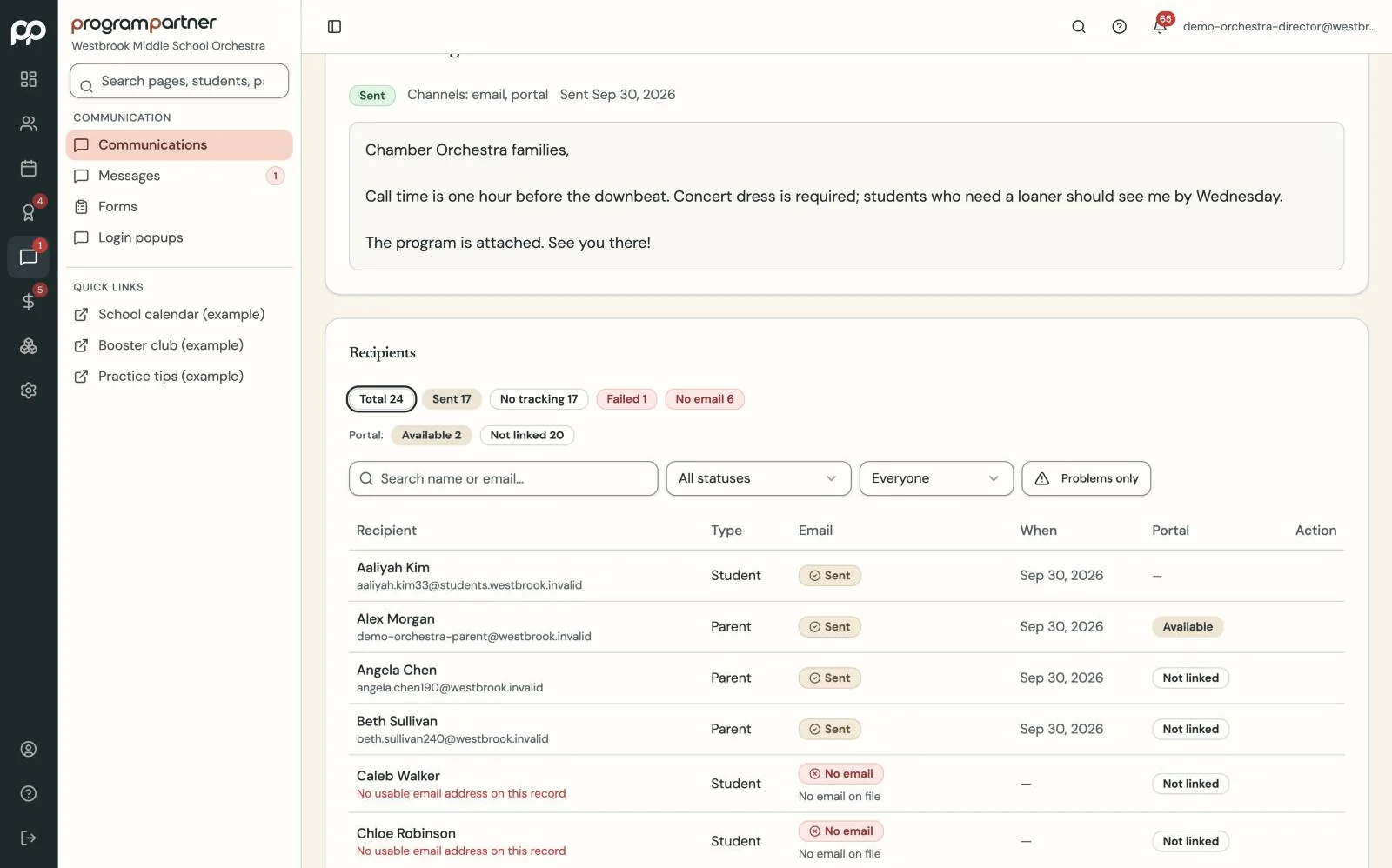
See who received it and who opened it.
What you get
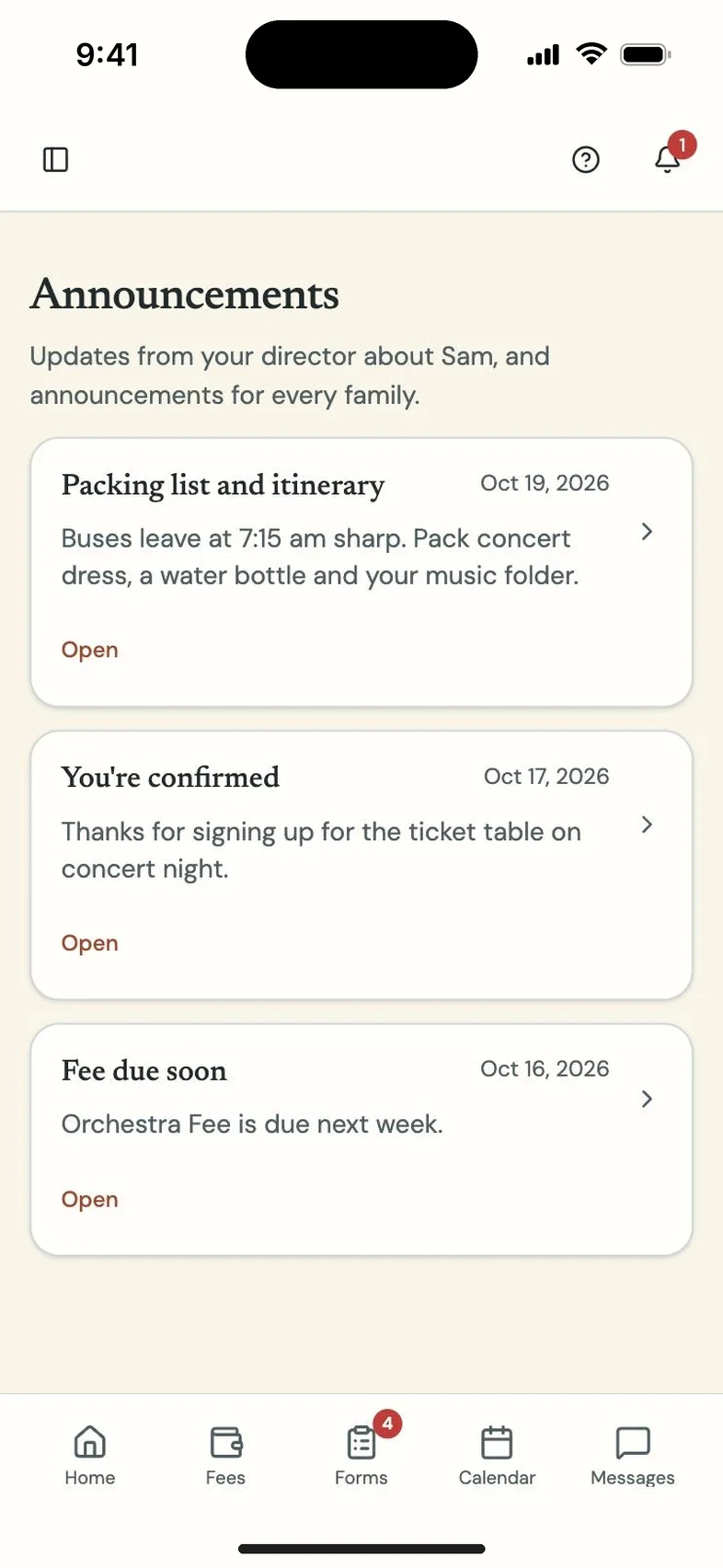
Announcements go out by email, with notifications on families' phones, and you can schedule them for Sunday night. Delivery tracking means a bounced email doesn't go unnoticed.
Direct messages keep staff and family conversations in threads. One program calendar imports your Google Calendar and gives families feeds they can add to their own phones.
Questions directors and teachers ask
How do I know families actually got it?
Delivery tracking shows who received each announcement and who opened it, and flags any email that bounced.