
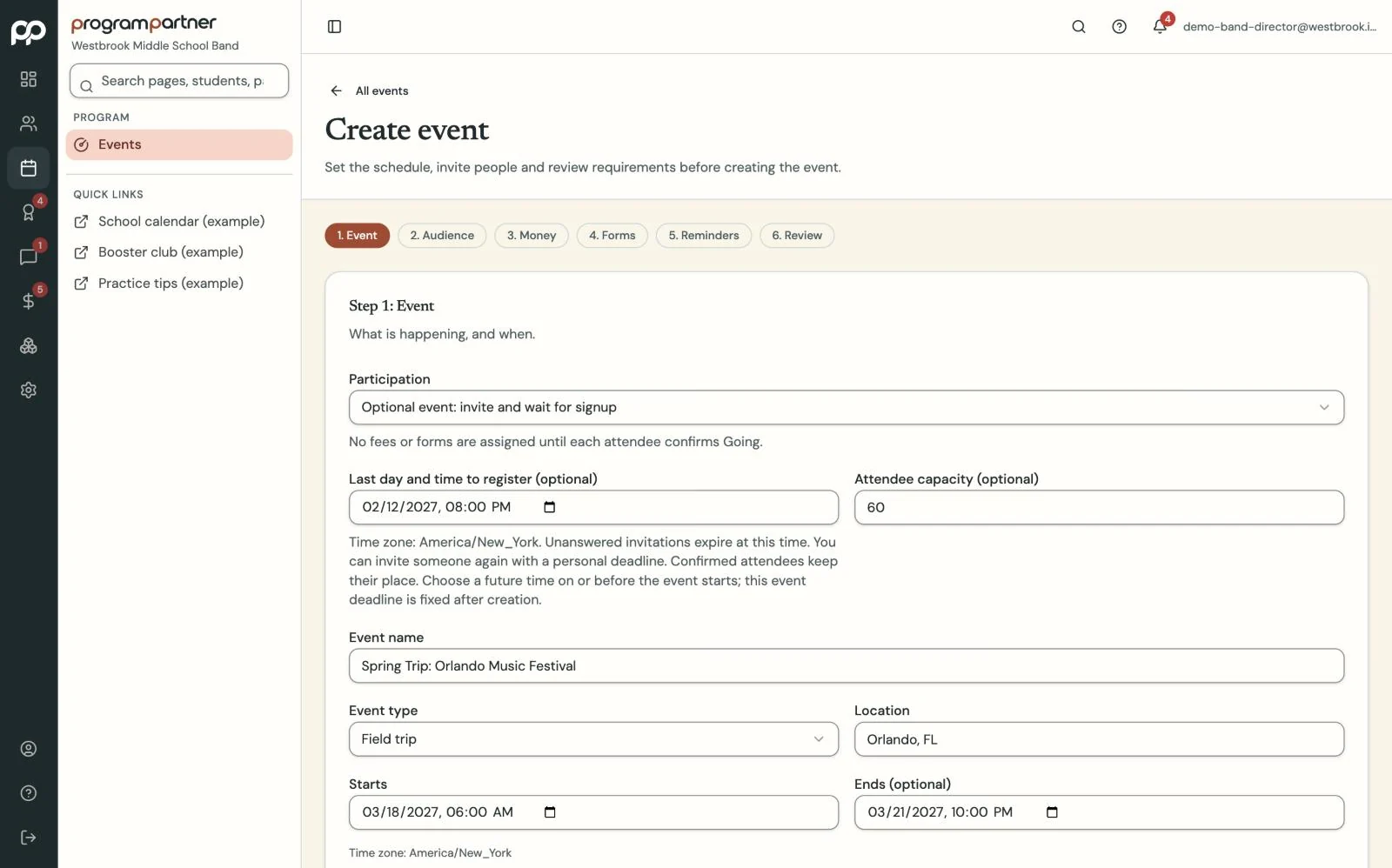
Create the event and choose who it's for.
Every student ready before the bus leaves.
Event HQ tracks every student's fees, forms and registration for each concert, competition and trip.
How it works
-
Step 1
-
Step 2
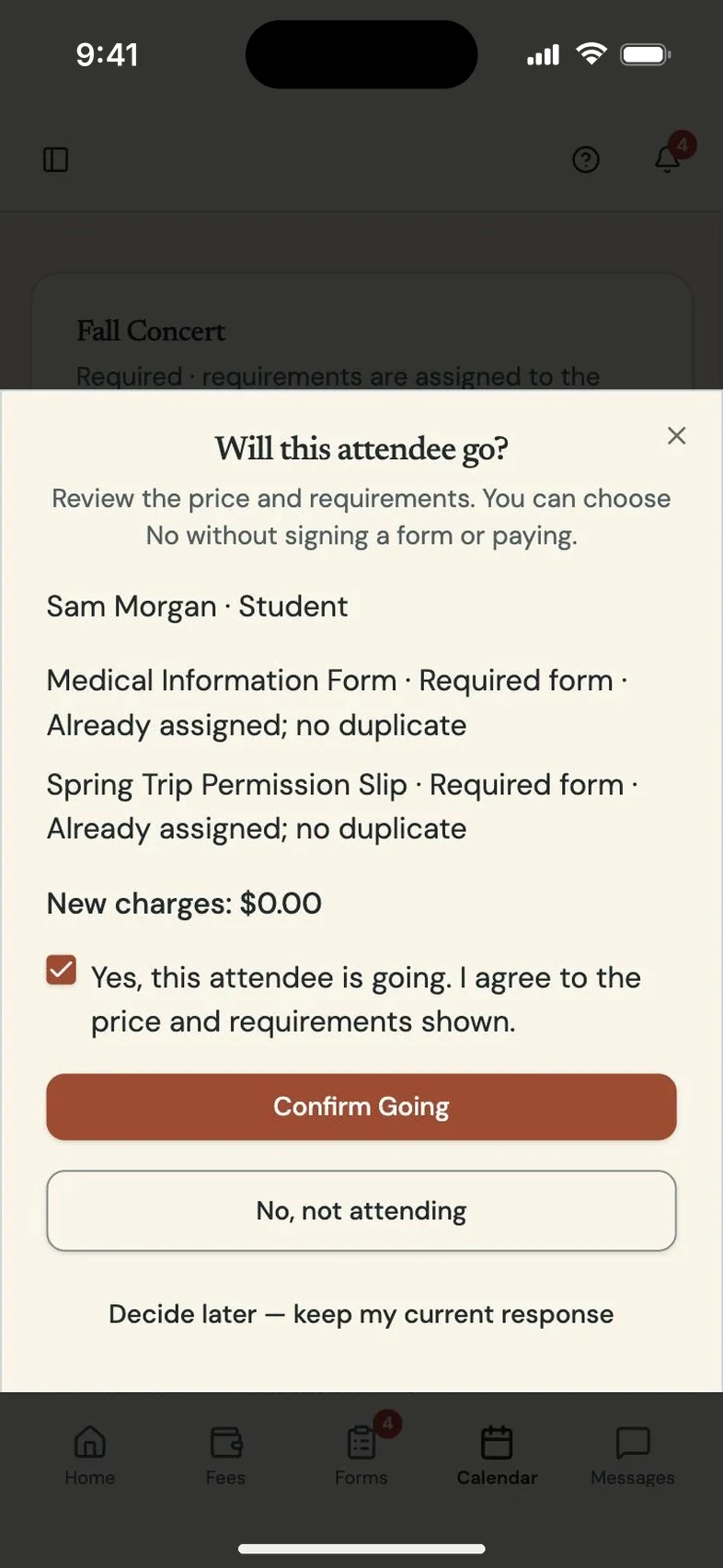
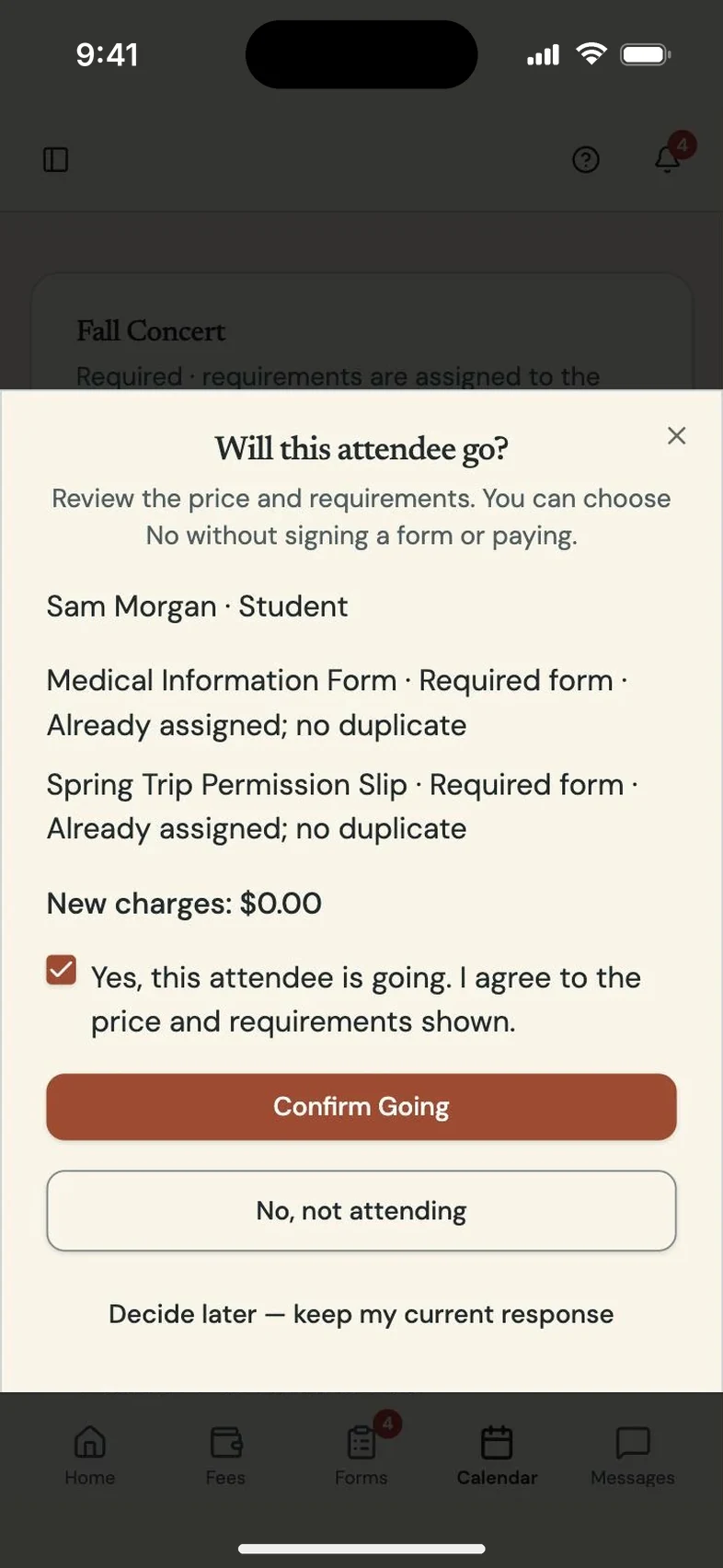
Make it required or optional. Families register, pay and sign from their portal.
-
Step 3
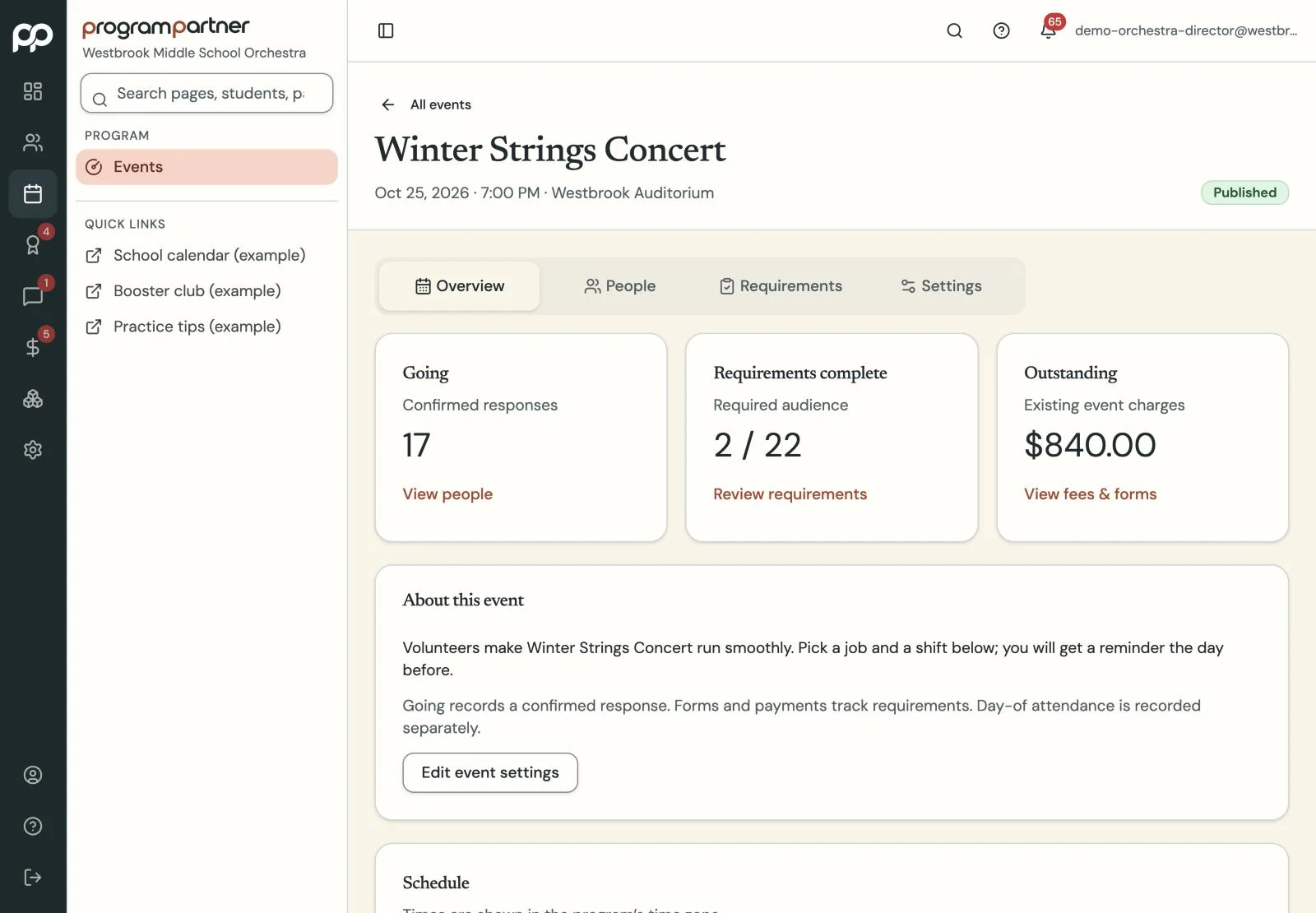
Event HQ shows who's ready and exactly what everyone else still needs.
What you get
Each event has a readiness view showing who has paid, signed and registered, student by student. Make it required or optional, with a registration deadline.
Trips get traveler rosters, payment packages and installment due dates. Parents can sign up to chaperone, with your approval.
Questions directors and teachers ask
Can families pay for a trip in installments?
Yes. Each package has its own schedule, and every installment shows up on the family's balance.
What if the trip price changes?
Create a new version of the package. You see each traveler's old and new totals before anything changes.