
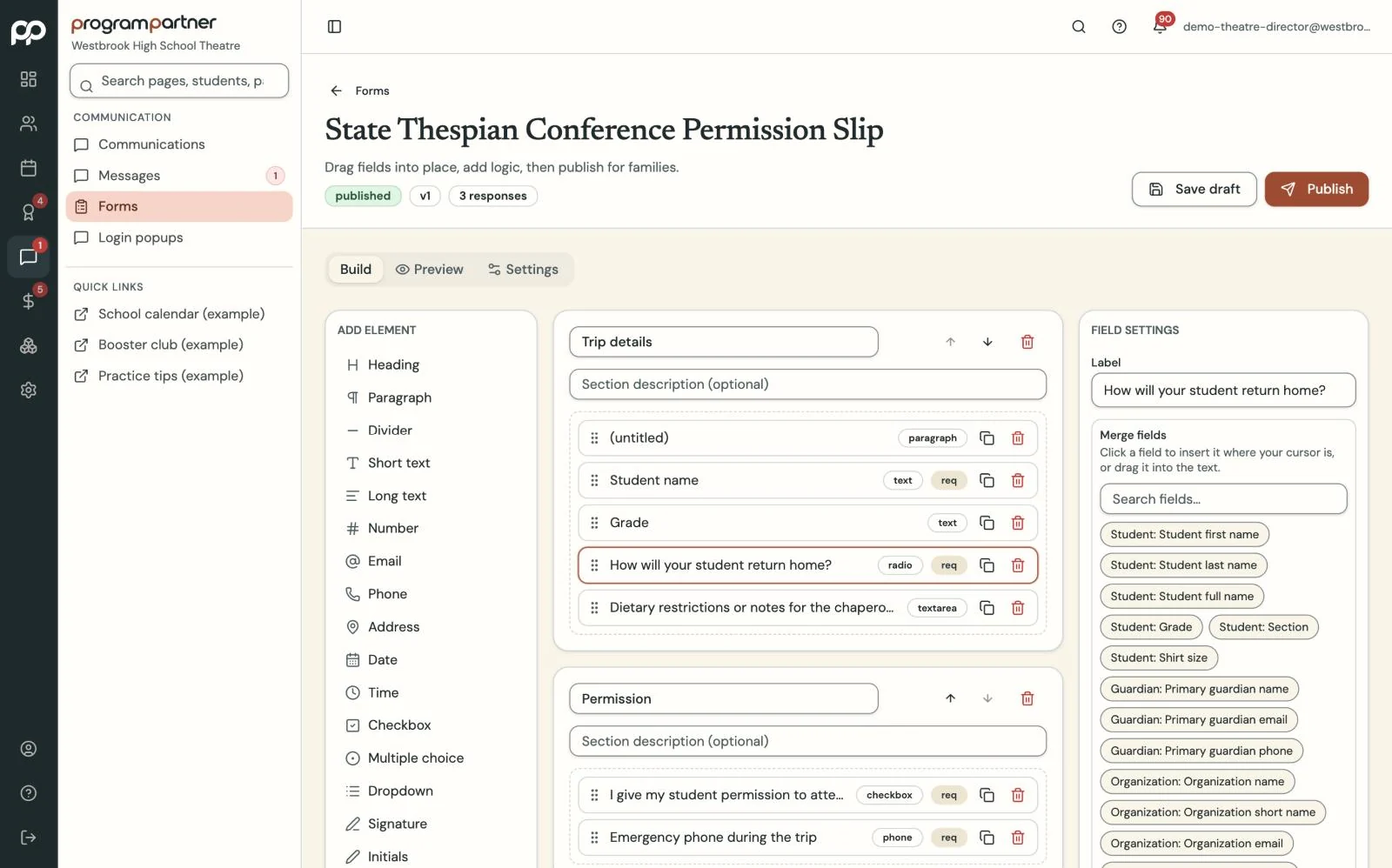
Upload the PDF you already use, start from a template, or build a form from scratch.
Permission slips that chase themselves.
Fillable forms with signatures, reminders that go out on their own, and a clear list of who still hasn't signed.
How it works
-
Step 1
-
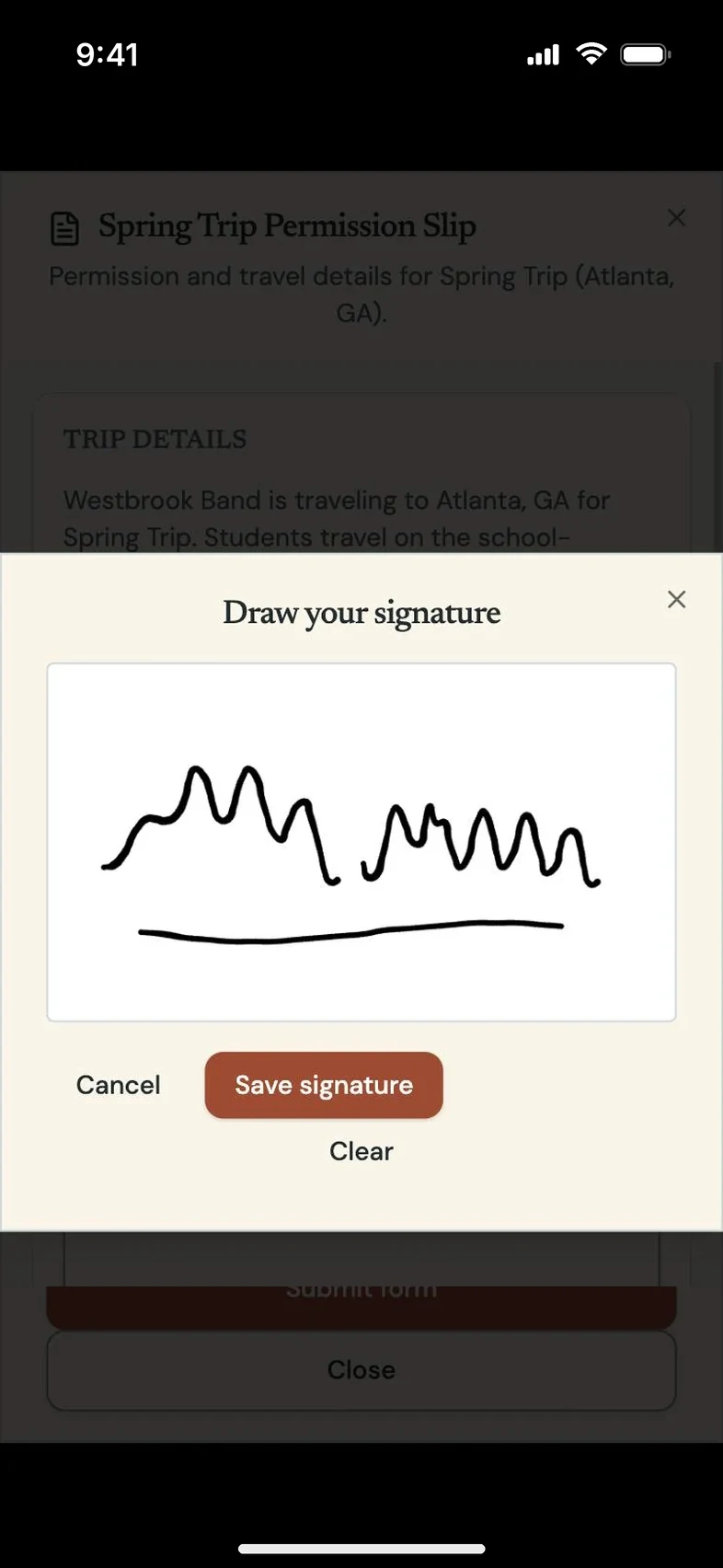
Step 2
Assign it to a student, an ensemble or everyone going on a trip.
-
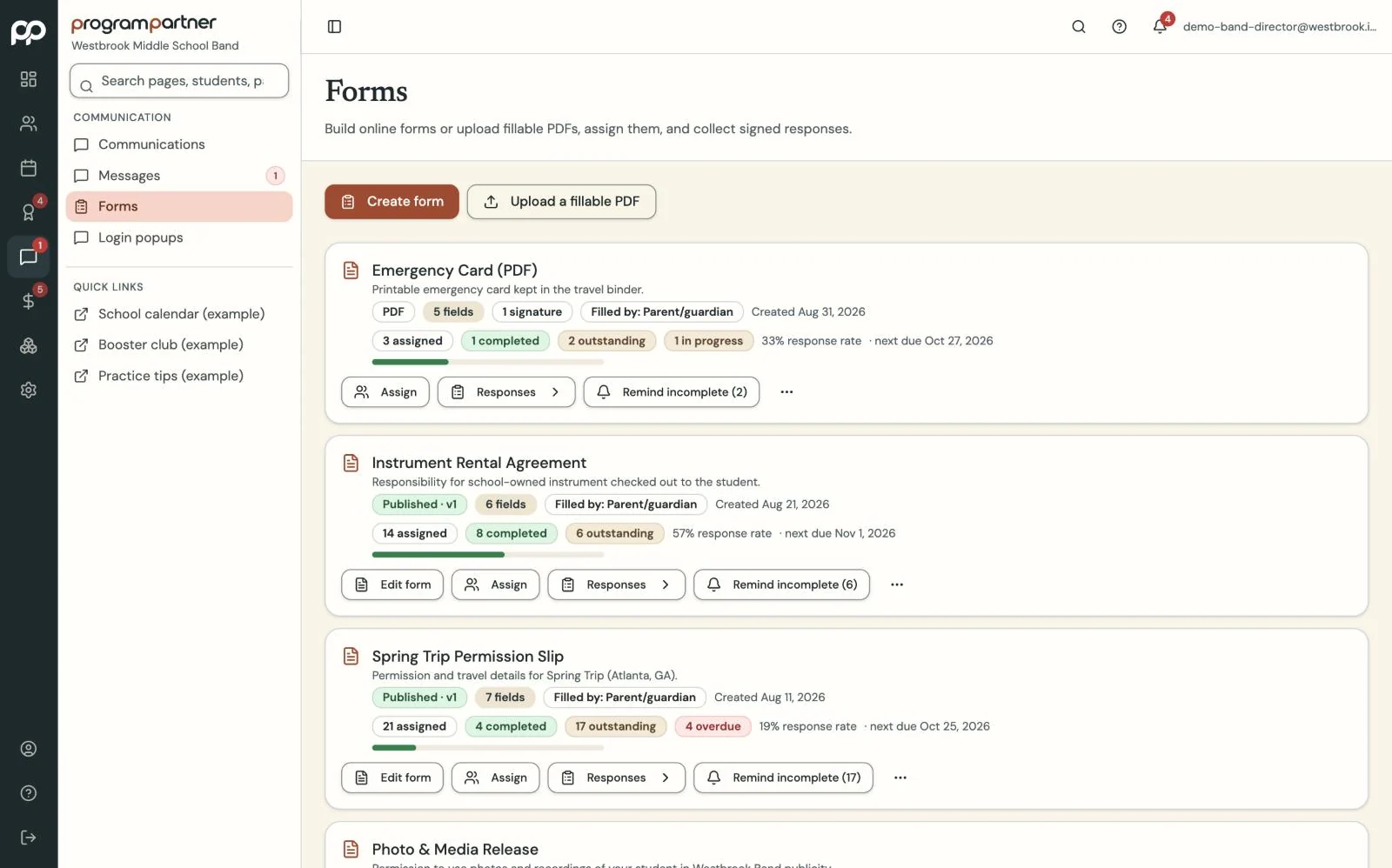
Step 3
Reminders keep going until it's signed, and you see who's done at a glance.
What you get
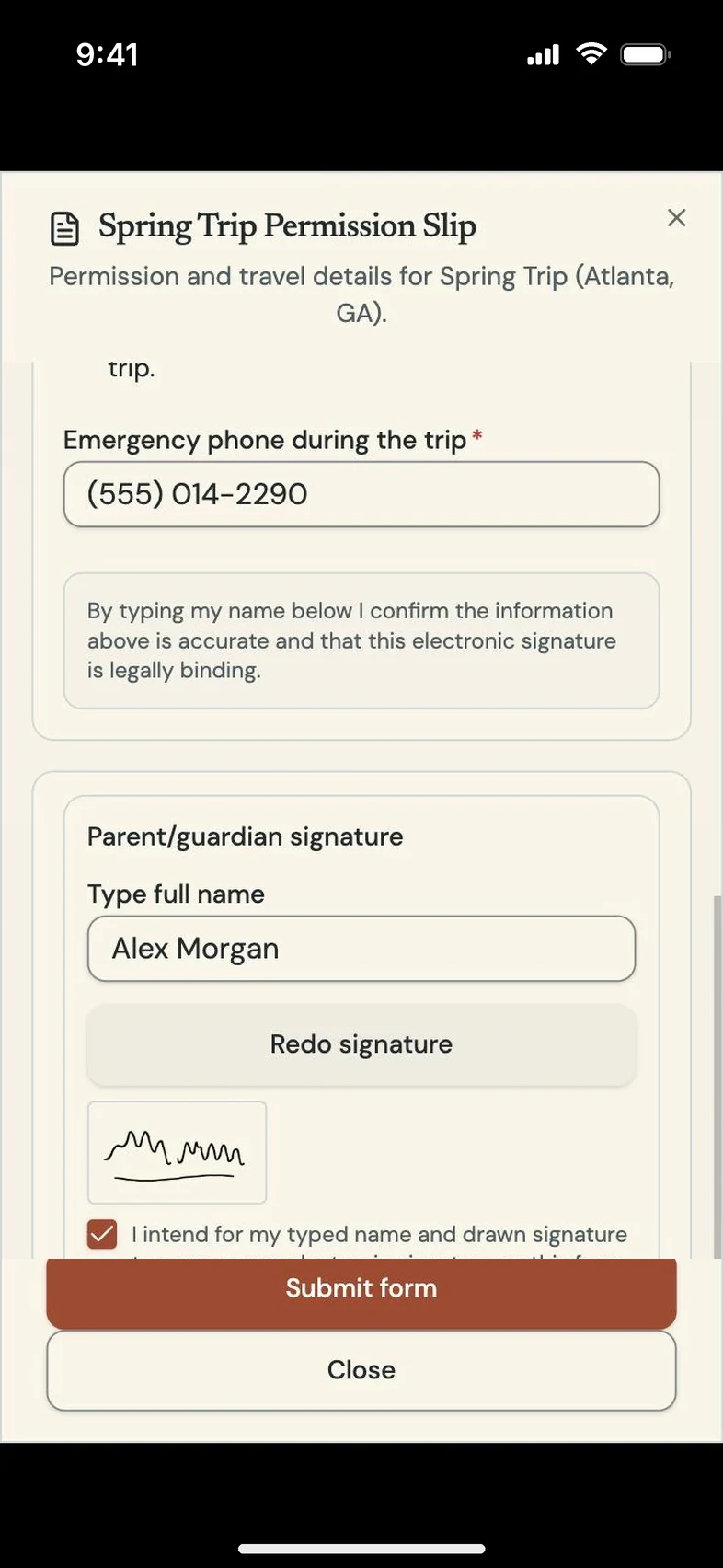
Parents fill out and sign PDF forms from their portal. Start from your own PDF or a ready-made template for medical releases and travel forms.
Assign a form to a student, an ensemble or an event, and reminders keep going until it's signed. The acknowledgements page shows everyone who has, and hasn't, signed the handbook or a policy.
Questions directors and teachers ask
Can I keep using my own forms?
Yes. Upload your PDF and make its fields fillable.
Who can see a signed form?
Only staff with access to forms, and the family it belongs to.