For band, orchestra, choir, theatre and private studios
Stress less. Teach more.
Fees, families, instruments, music, seating and messages for band, orchestra, choir, theatre and private studios, built by a director who still runs his own program on it.
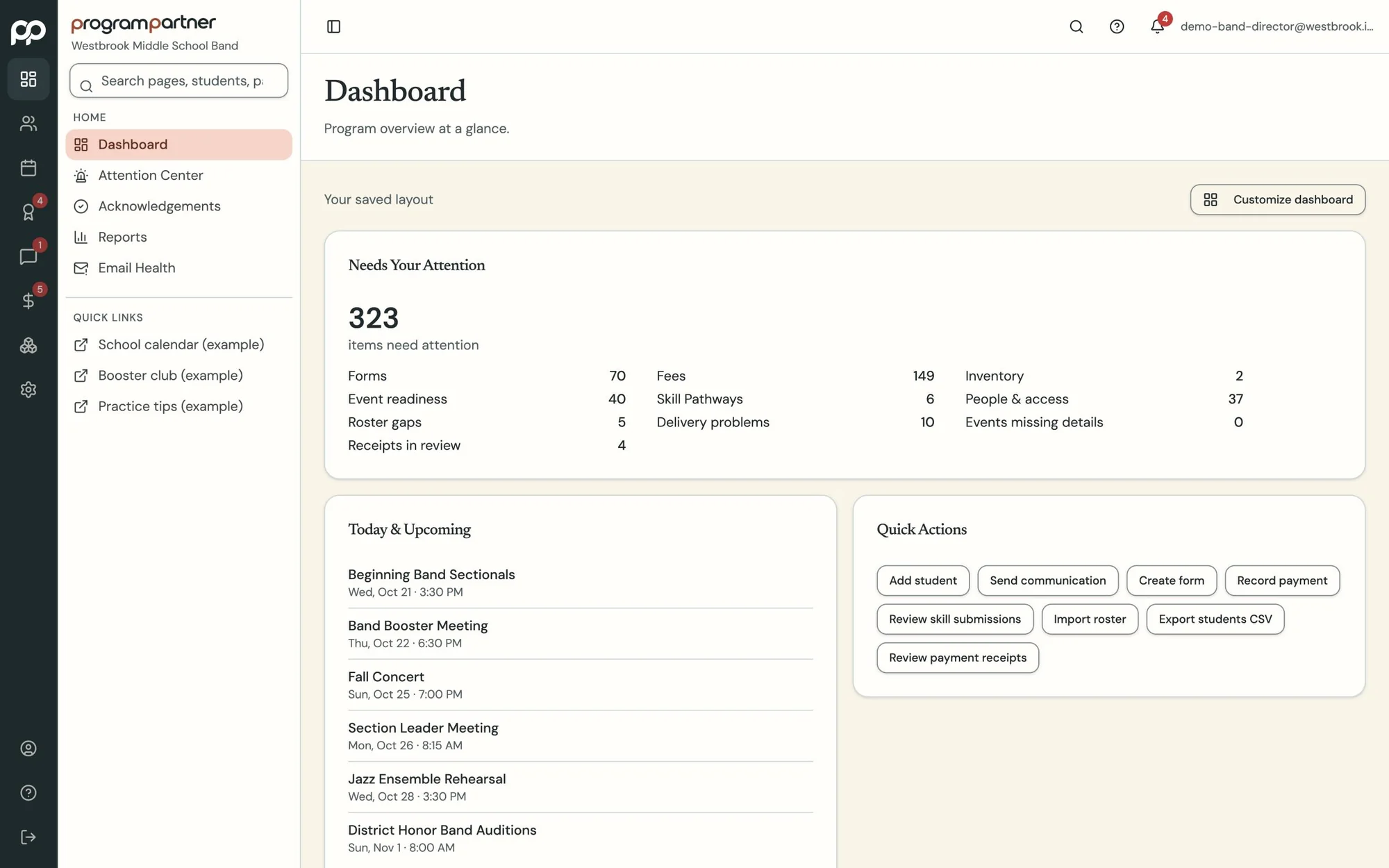
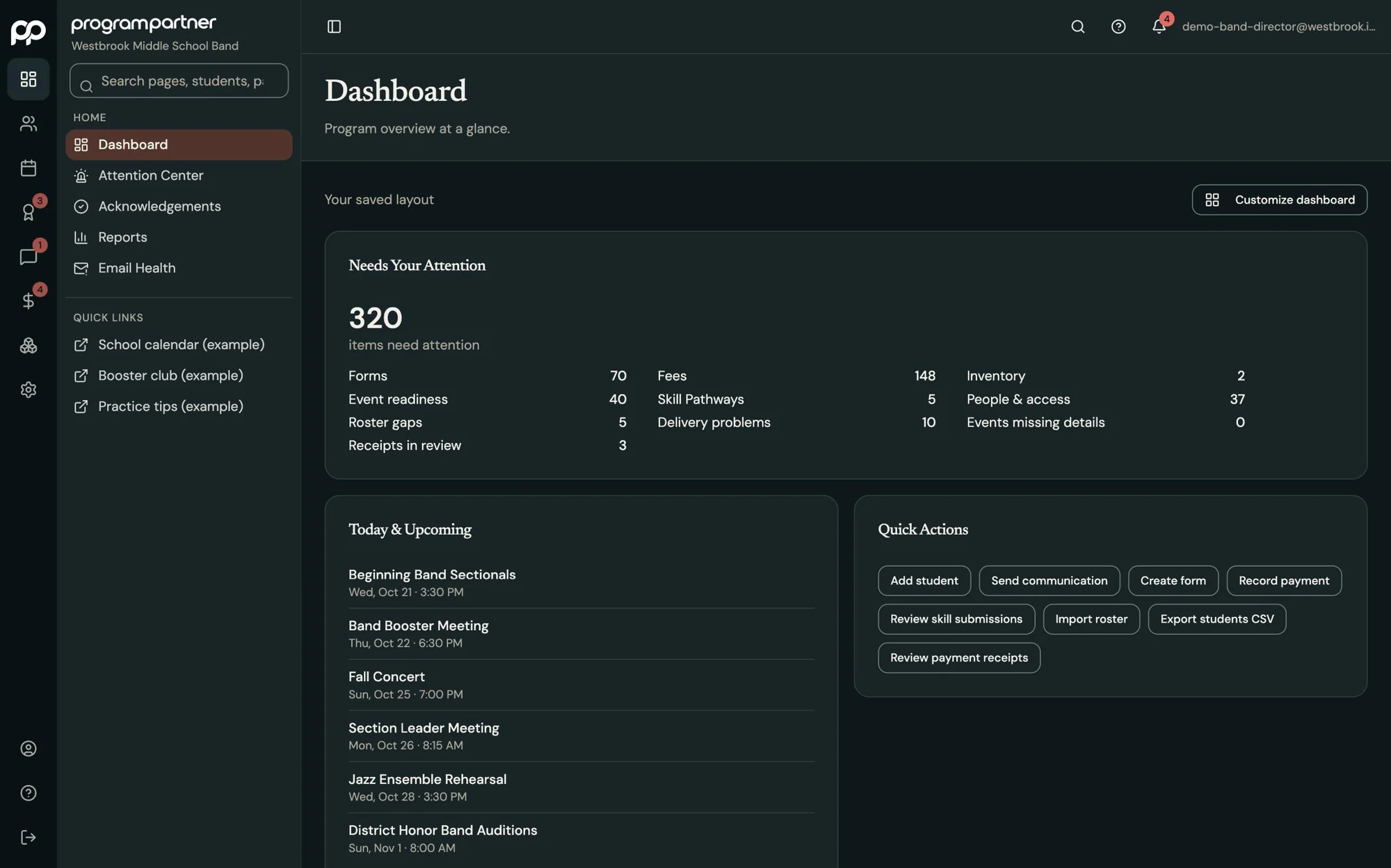
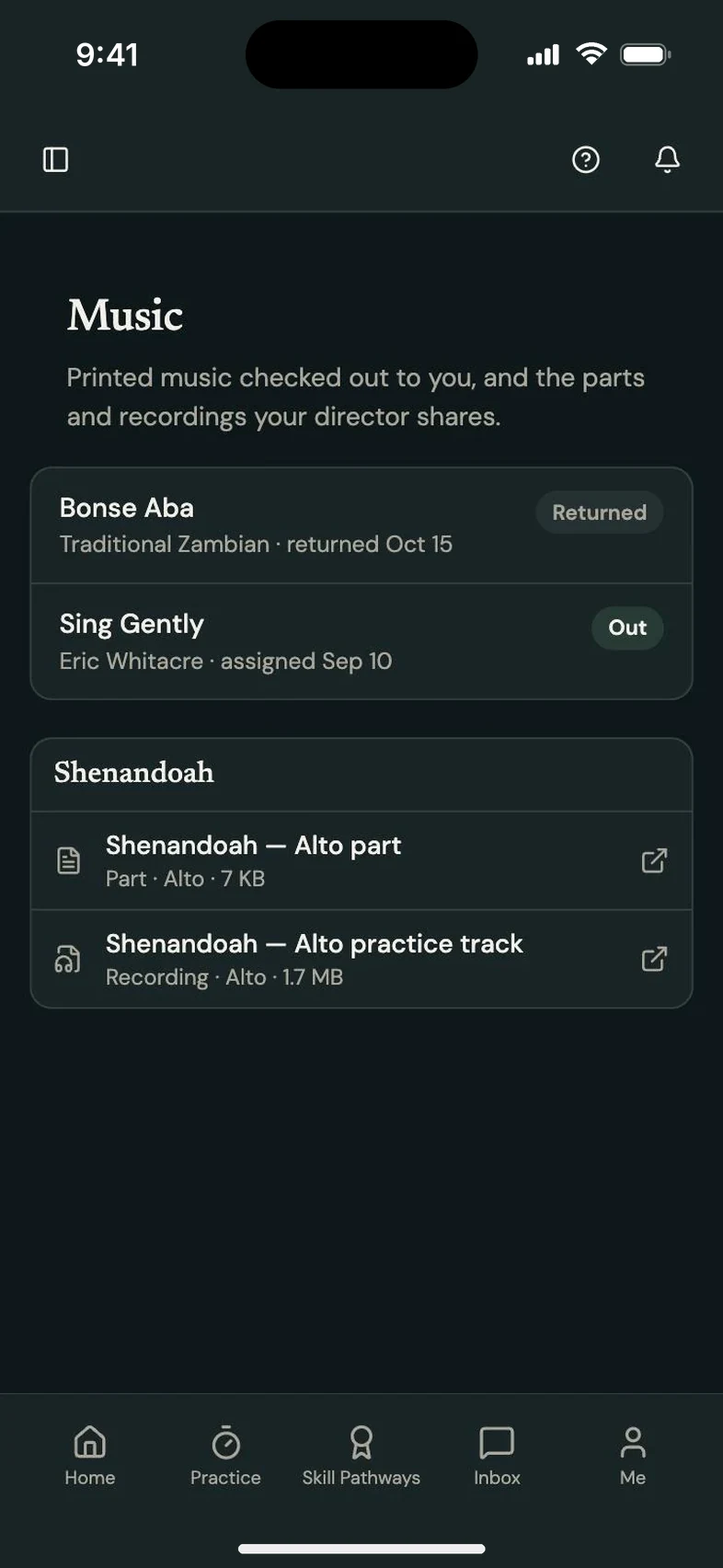
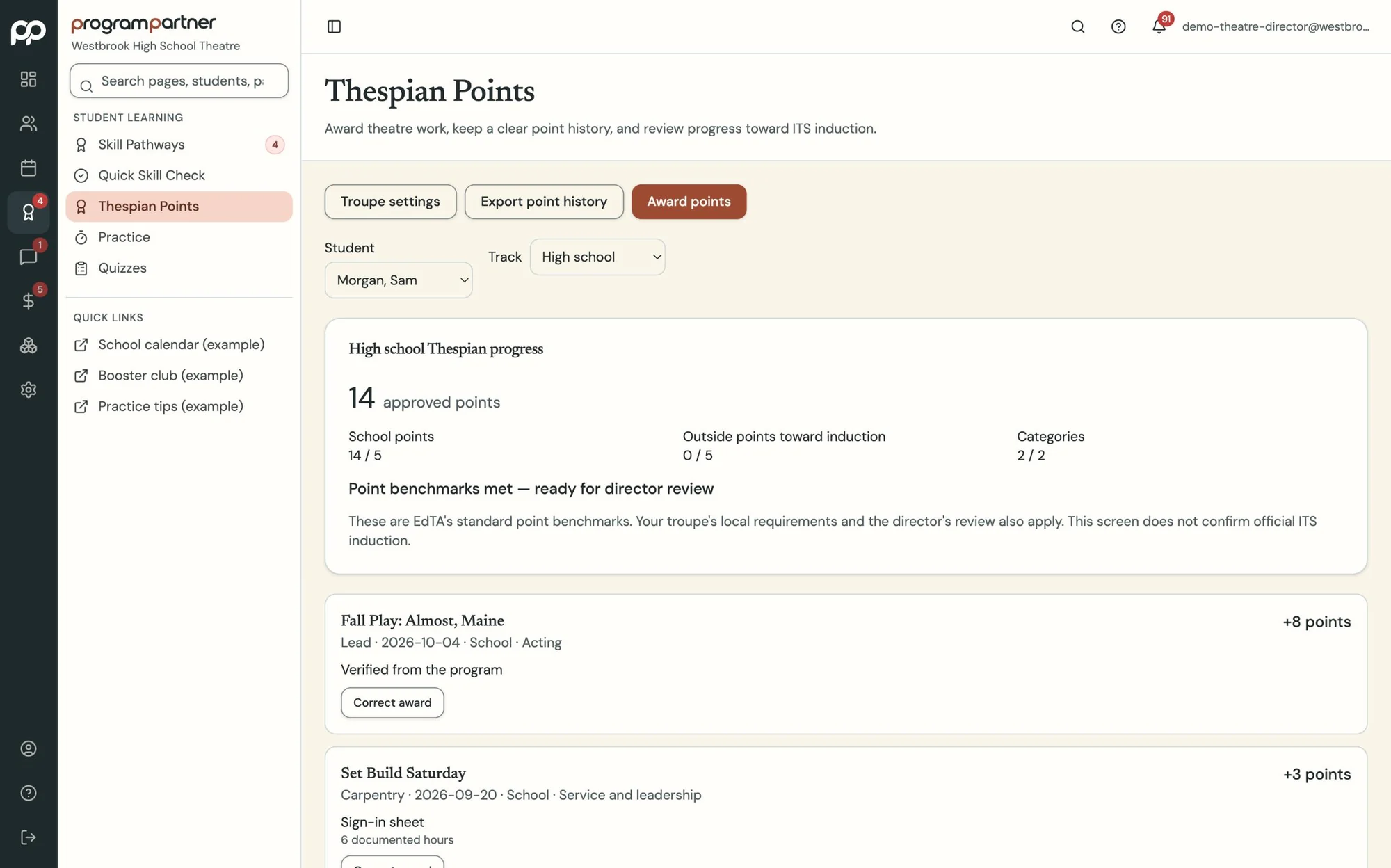
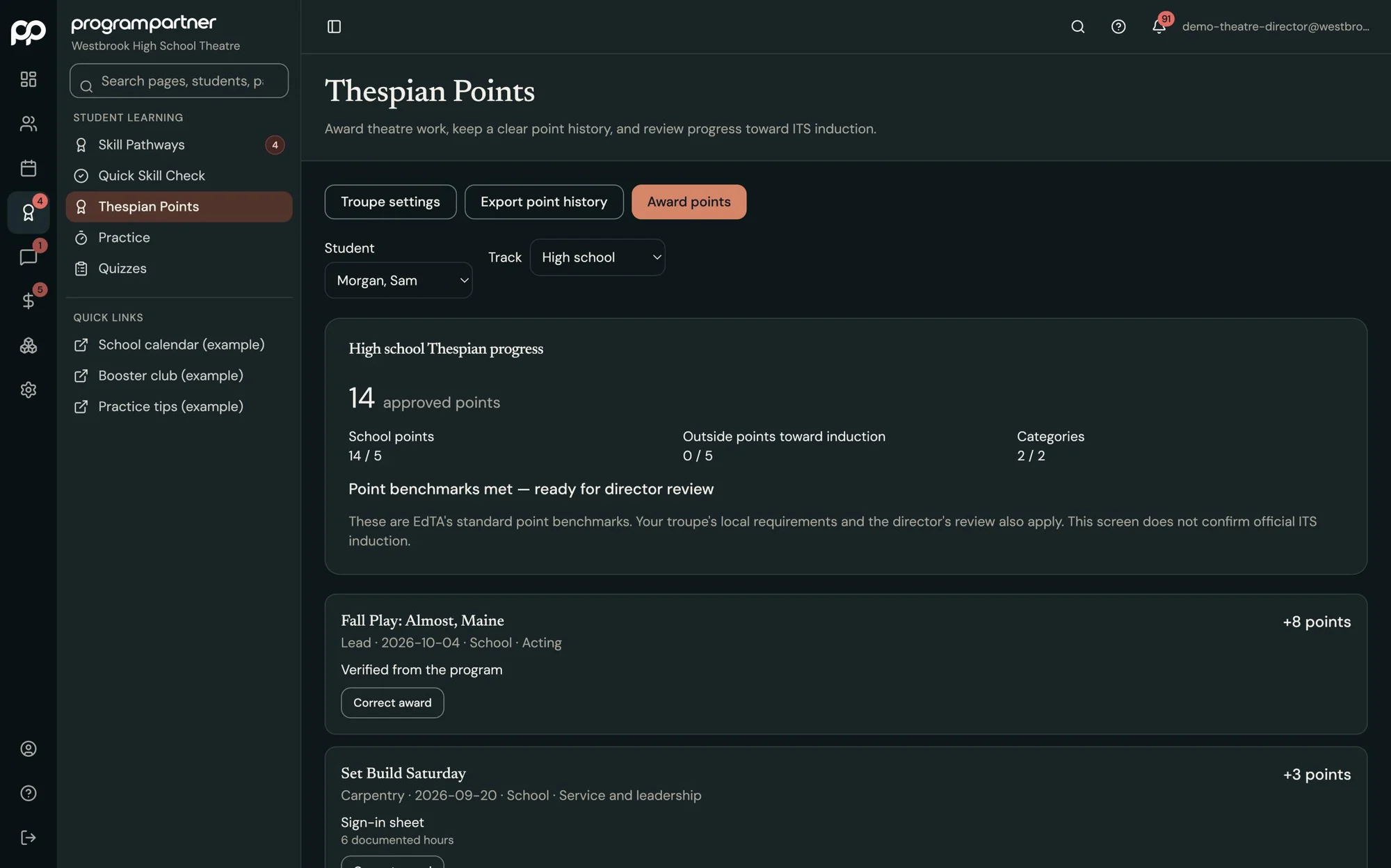
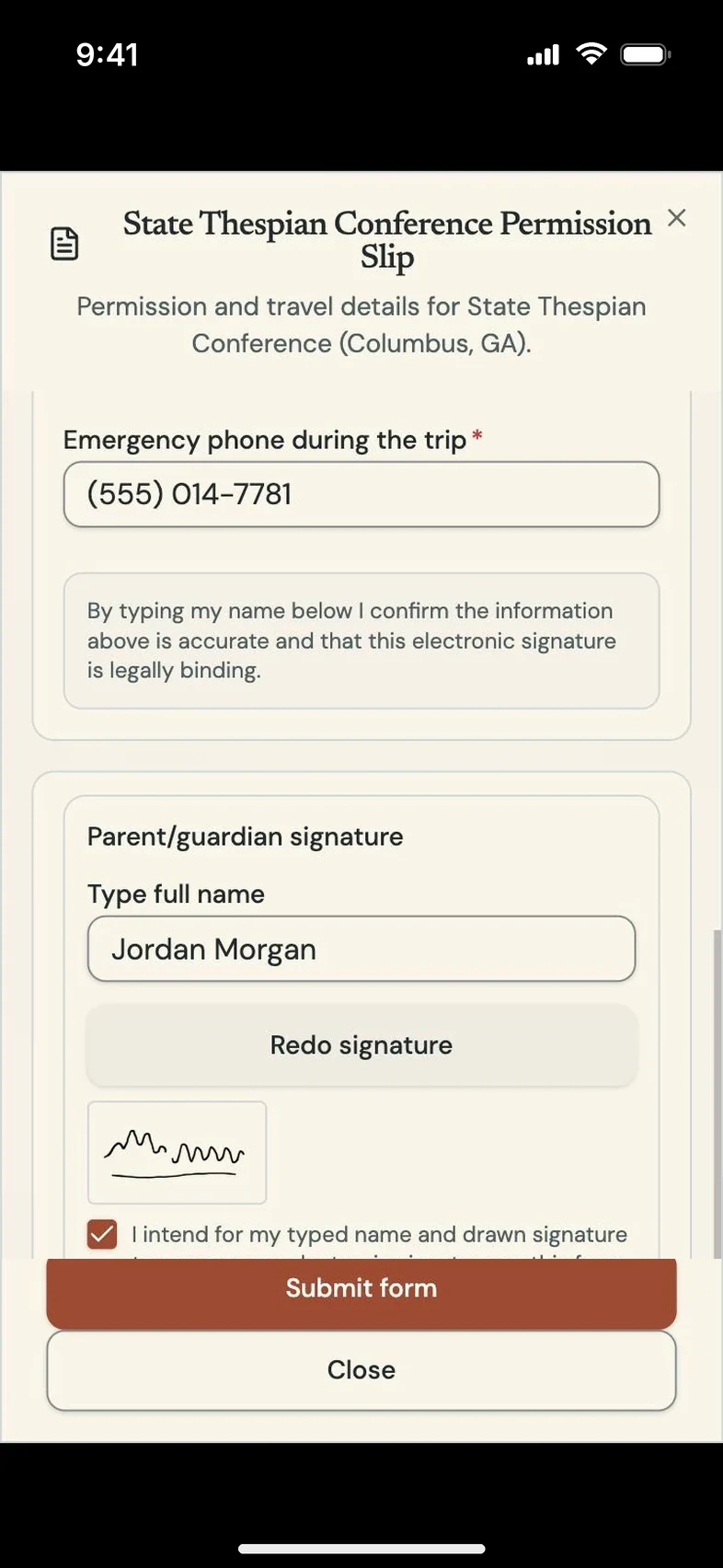

Built by a director who uses it every day.
I've taught band and choir, music directed school and community theatre productions, taught at the college level, and run a private studio. Every one of those roles came with the same second job: fees and balances, forms, inventory, the music library, messages home, schedules. Program Partner started as one place to keep my own program organized. Once it was working for us, colleagues started asking about it.
Trey English, Founder
Read the storyYou didn't start teaching to chase fee envelopes, permission slips, missing instruments, trip deposits or unread group texts.
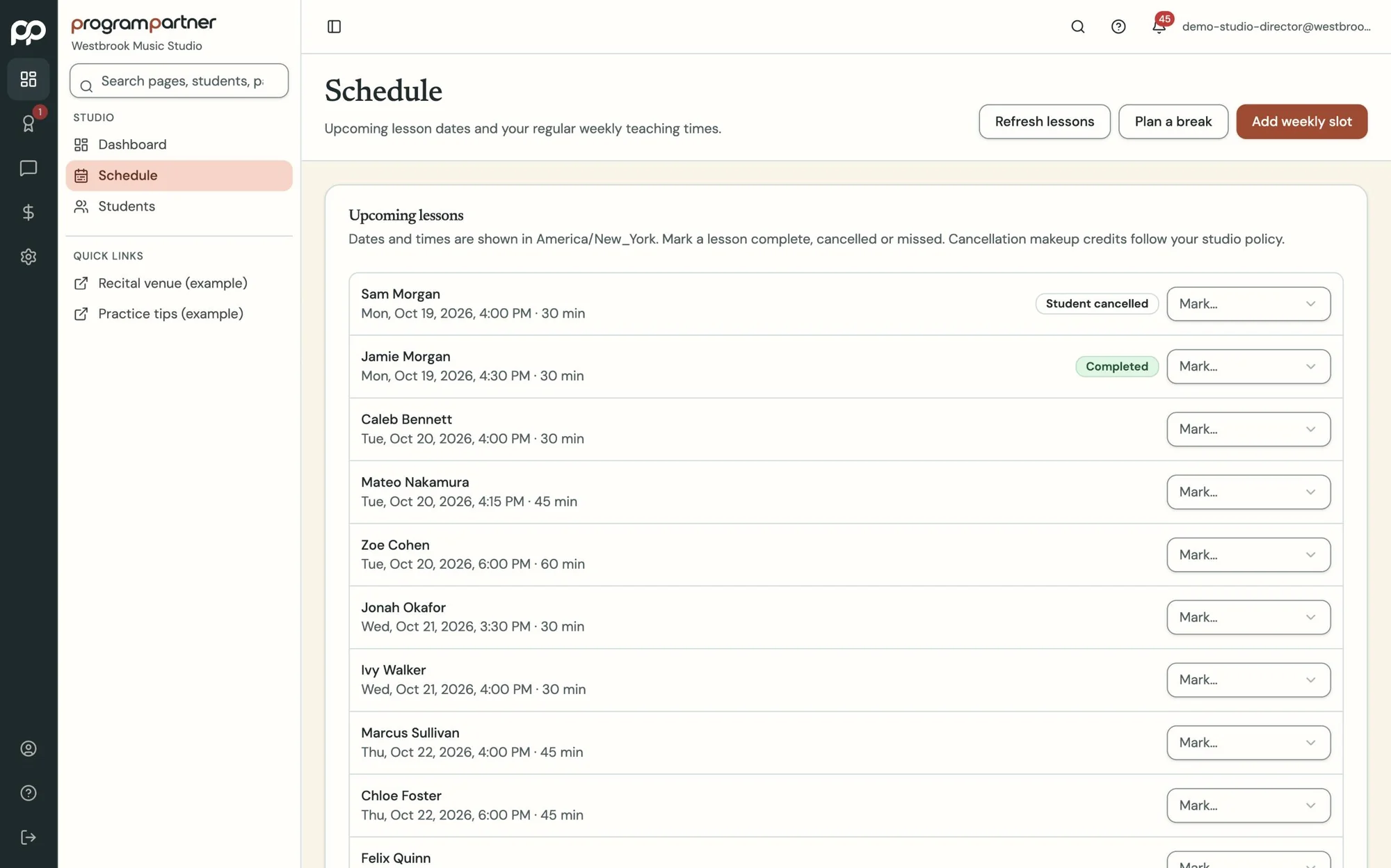
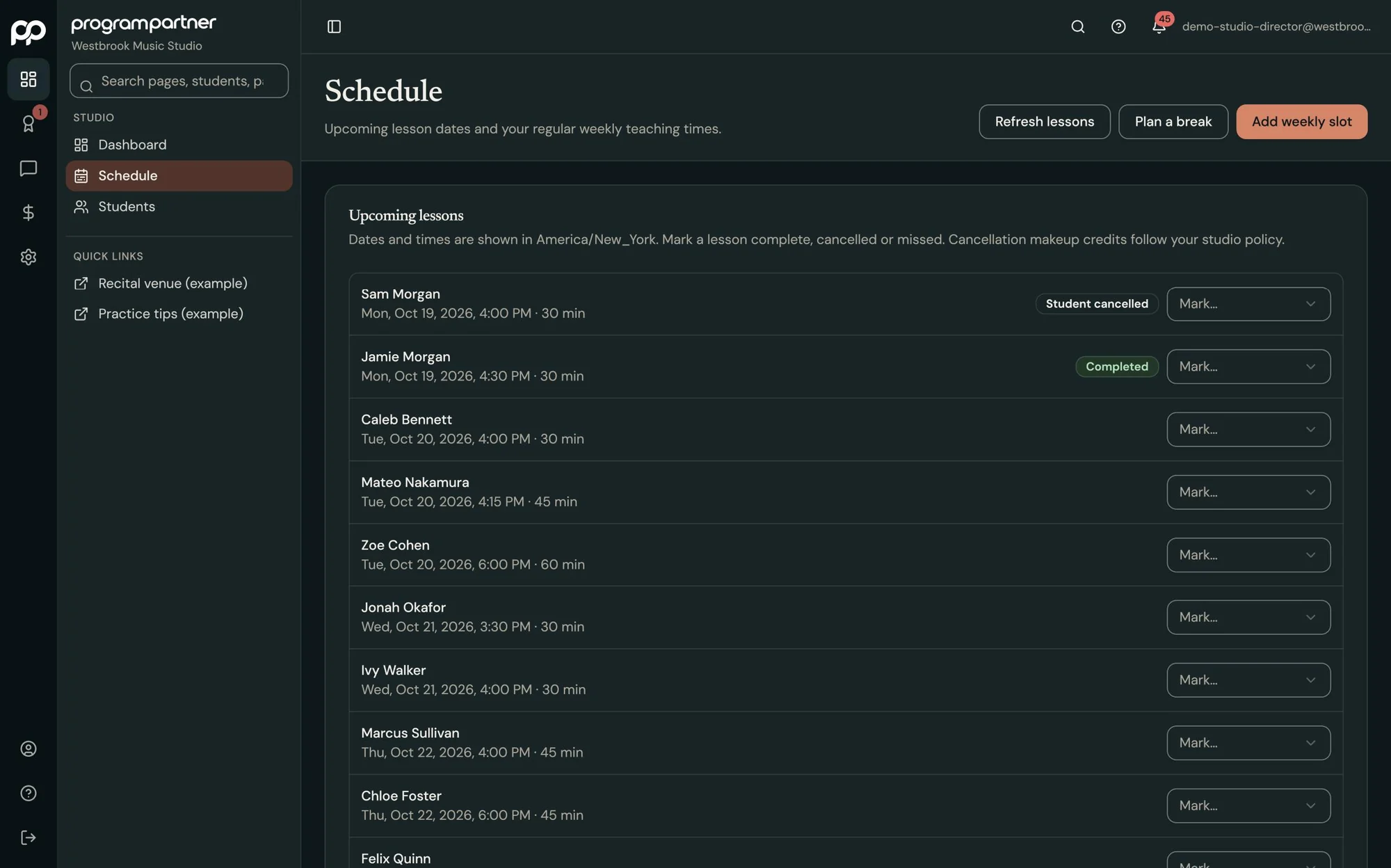
Balances live in one spreadsheet, the instrument list in another, permission slips in a folder, and reminders in a group text nobody reads. Program Partner gives your staff, boosters and families one shared program office, so the questions stop landing in your inbox.
Wouldn't it be nice to teach more than 10% of the time?
Only in Program Partner
Teaching tools that make students want to practice.
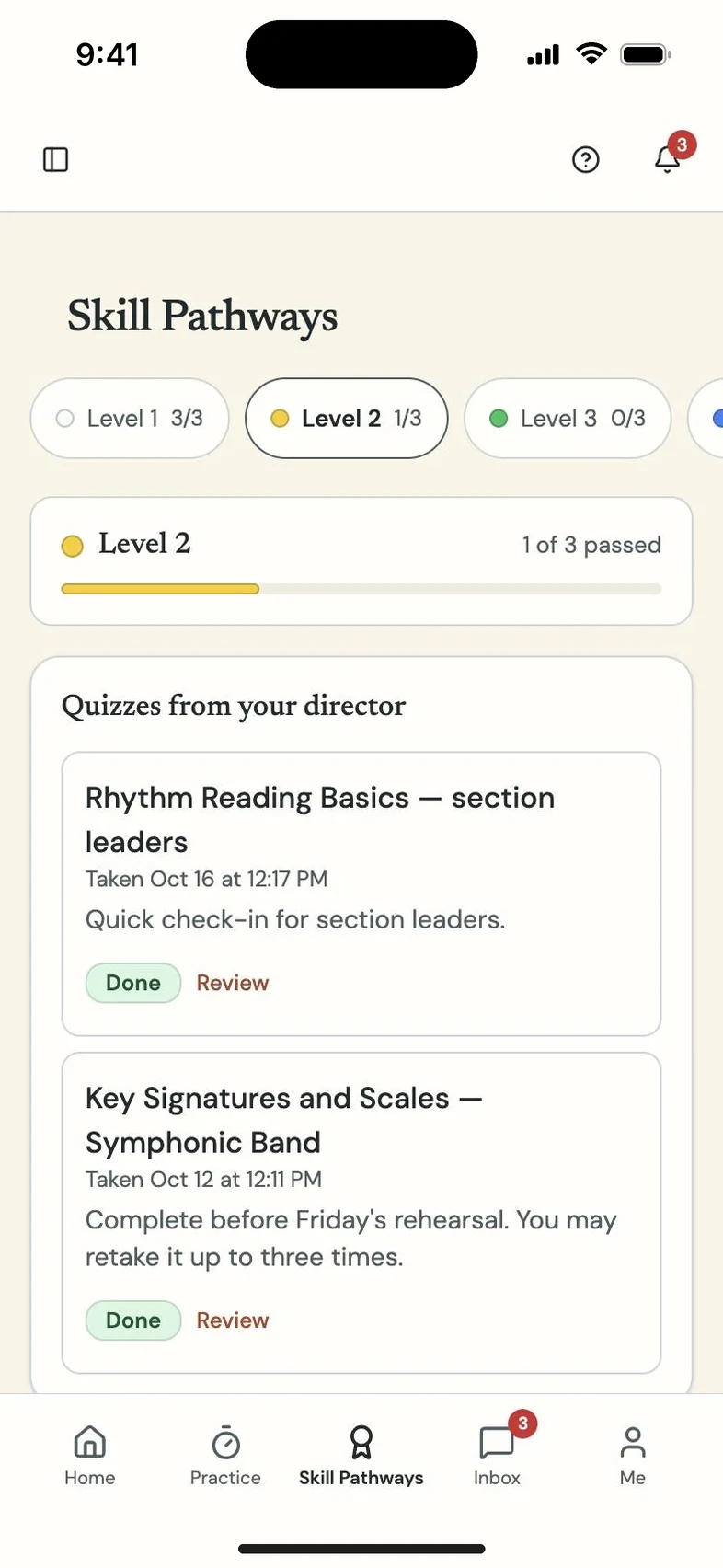
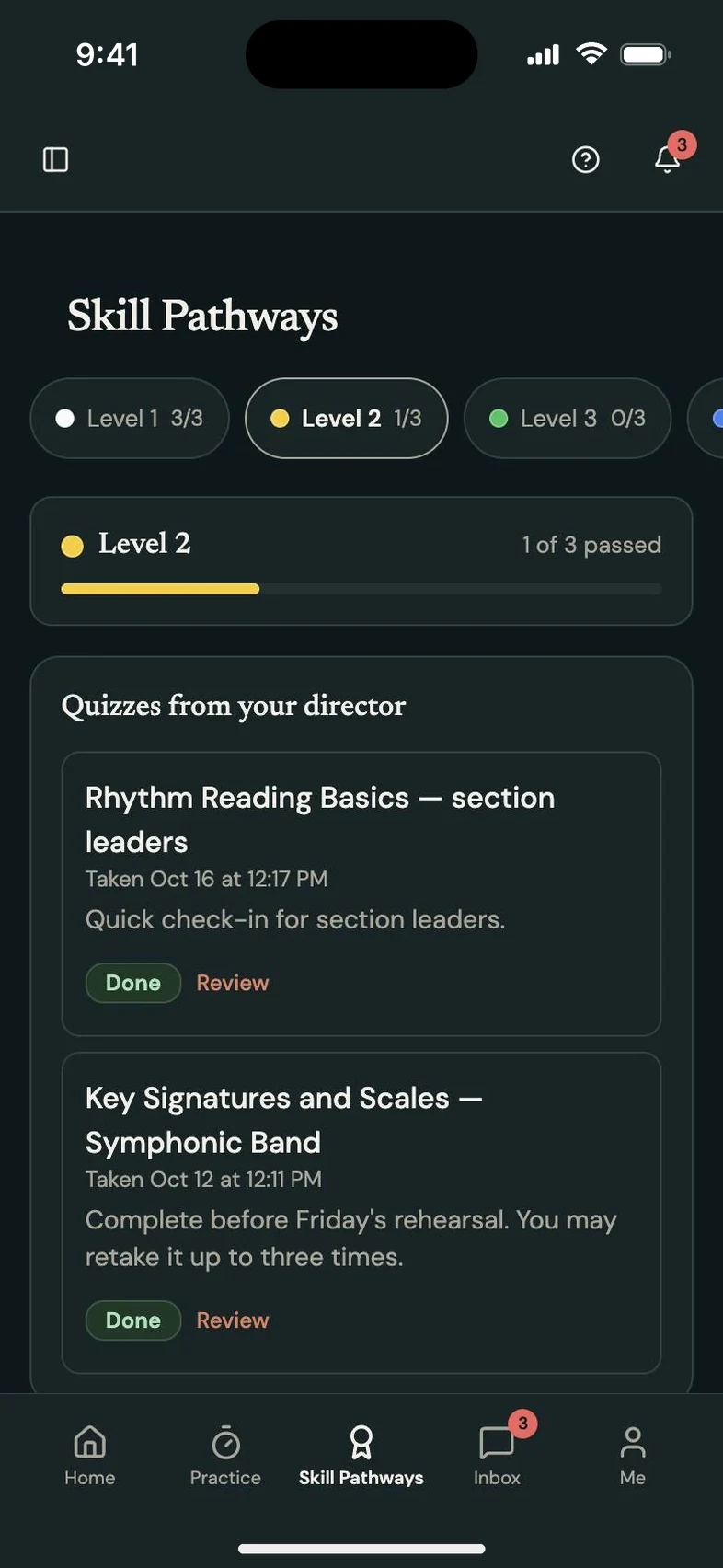
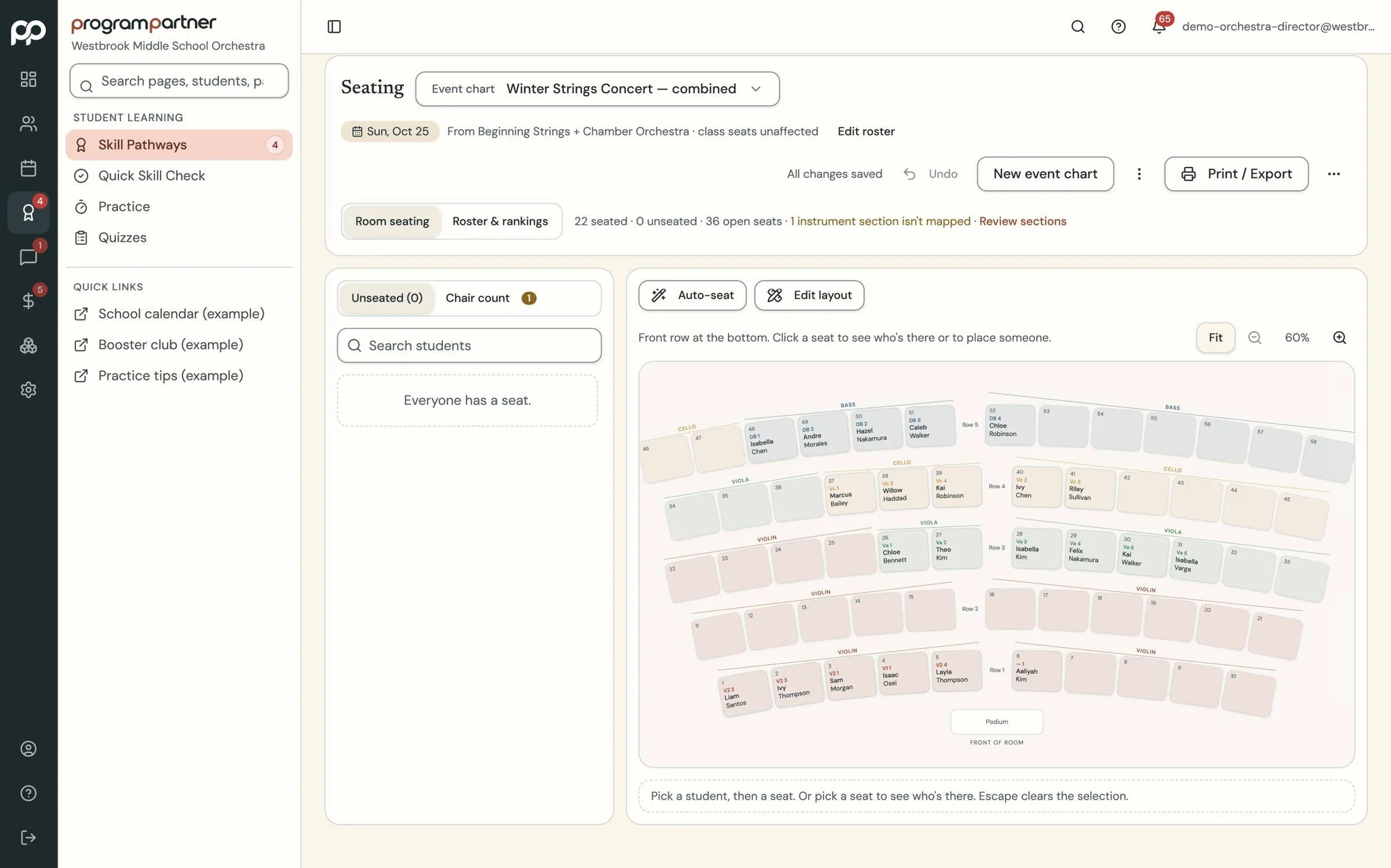
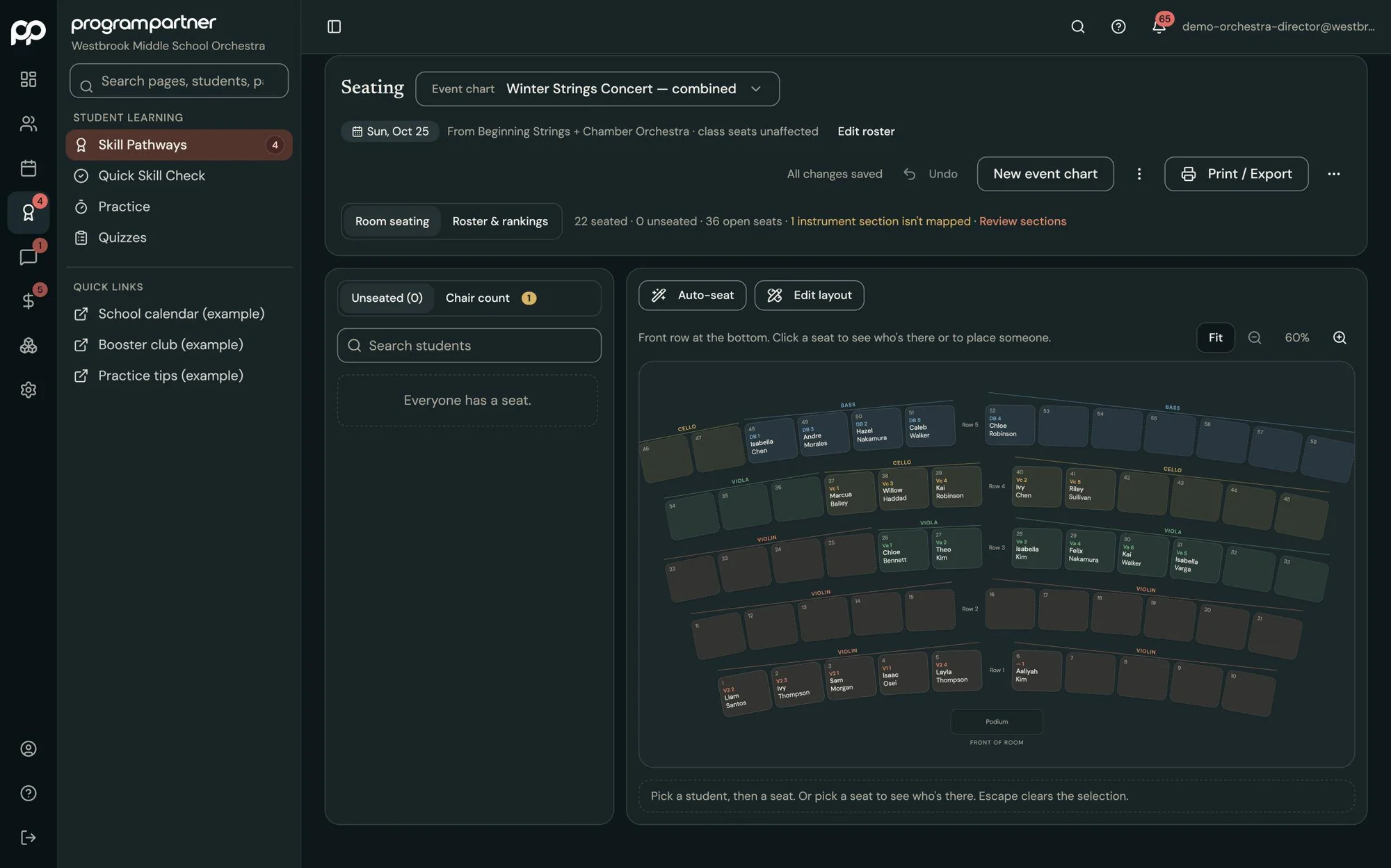
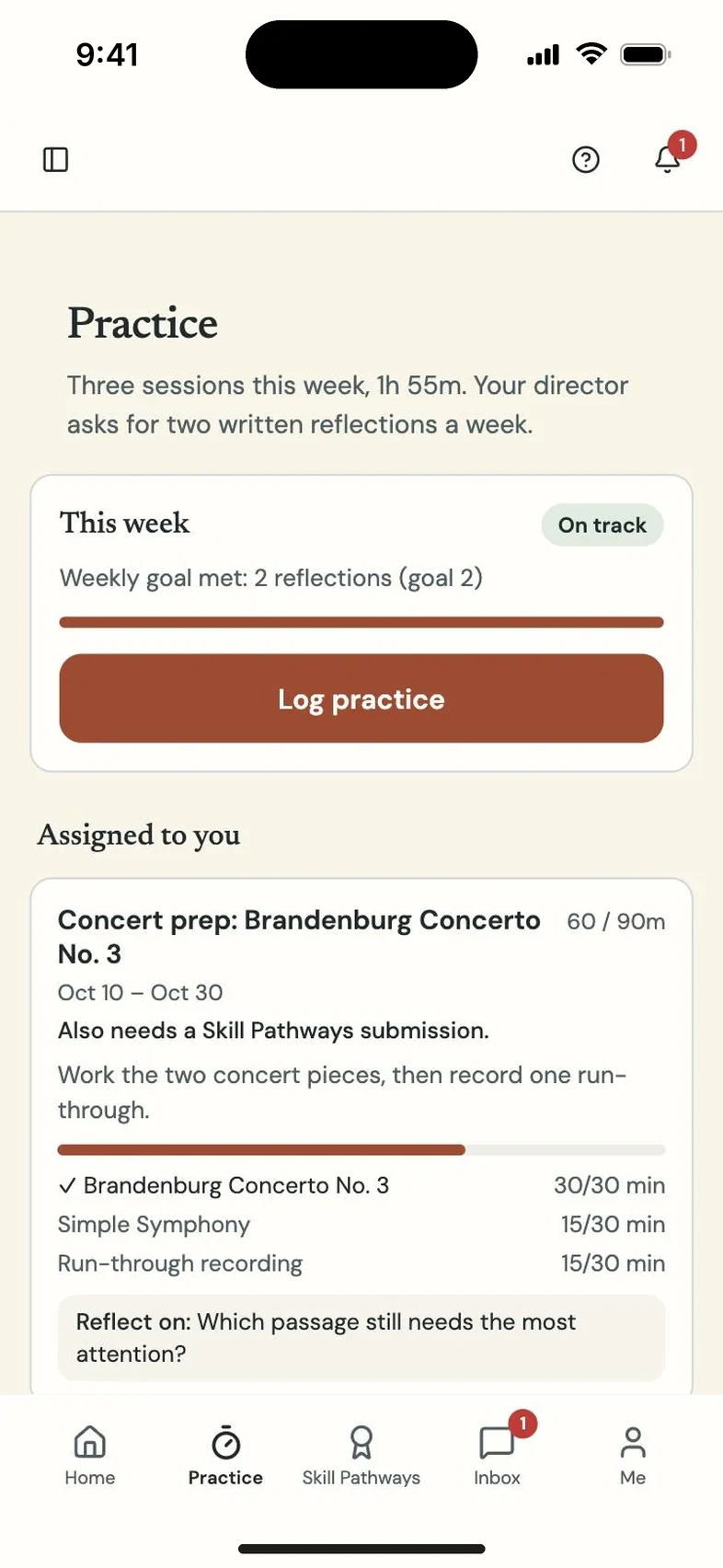
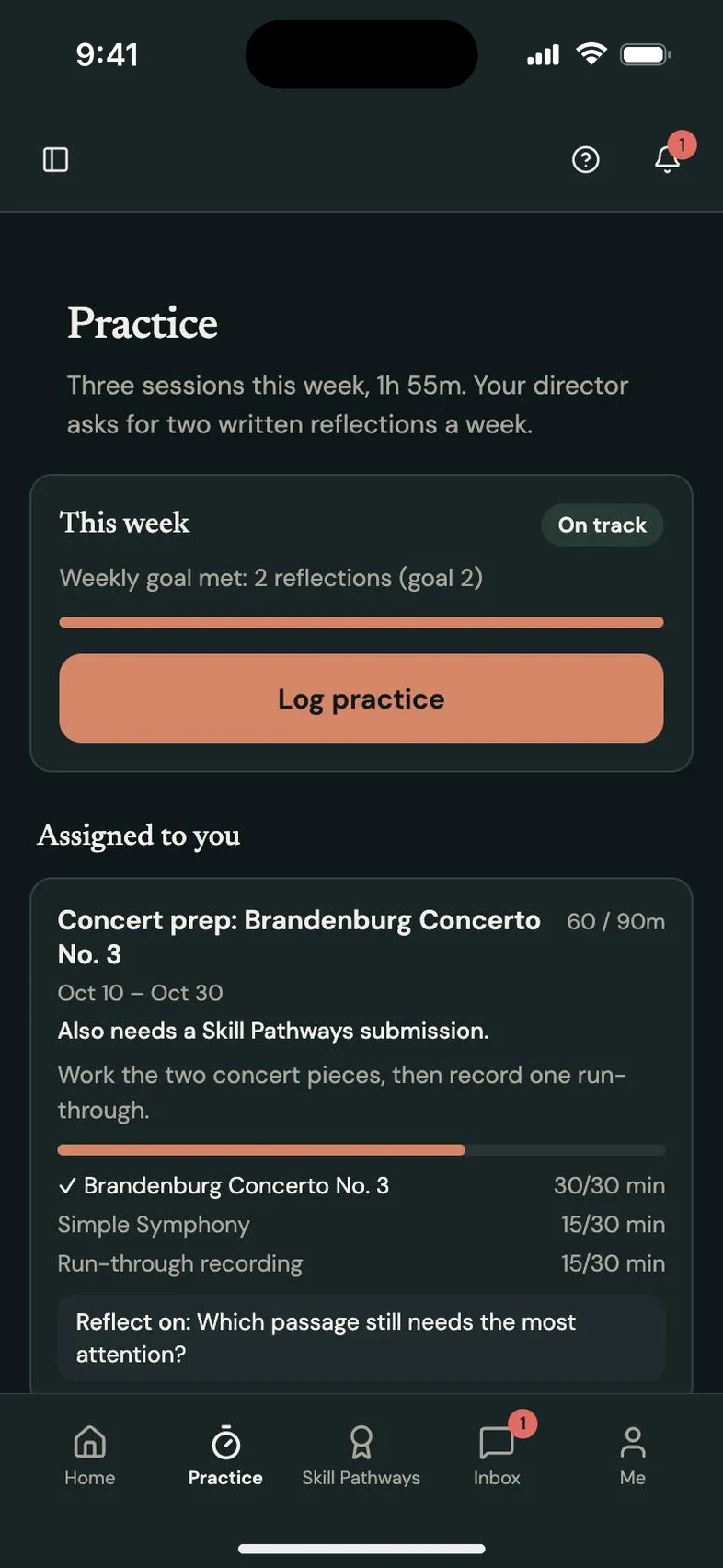
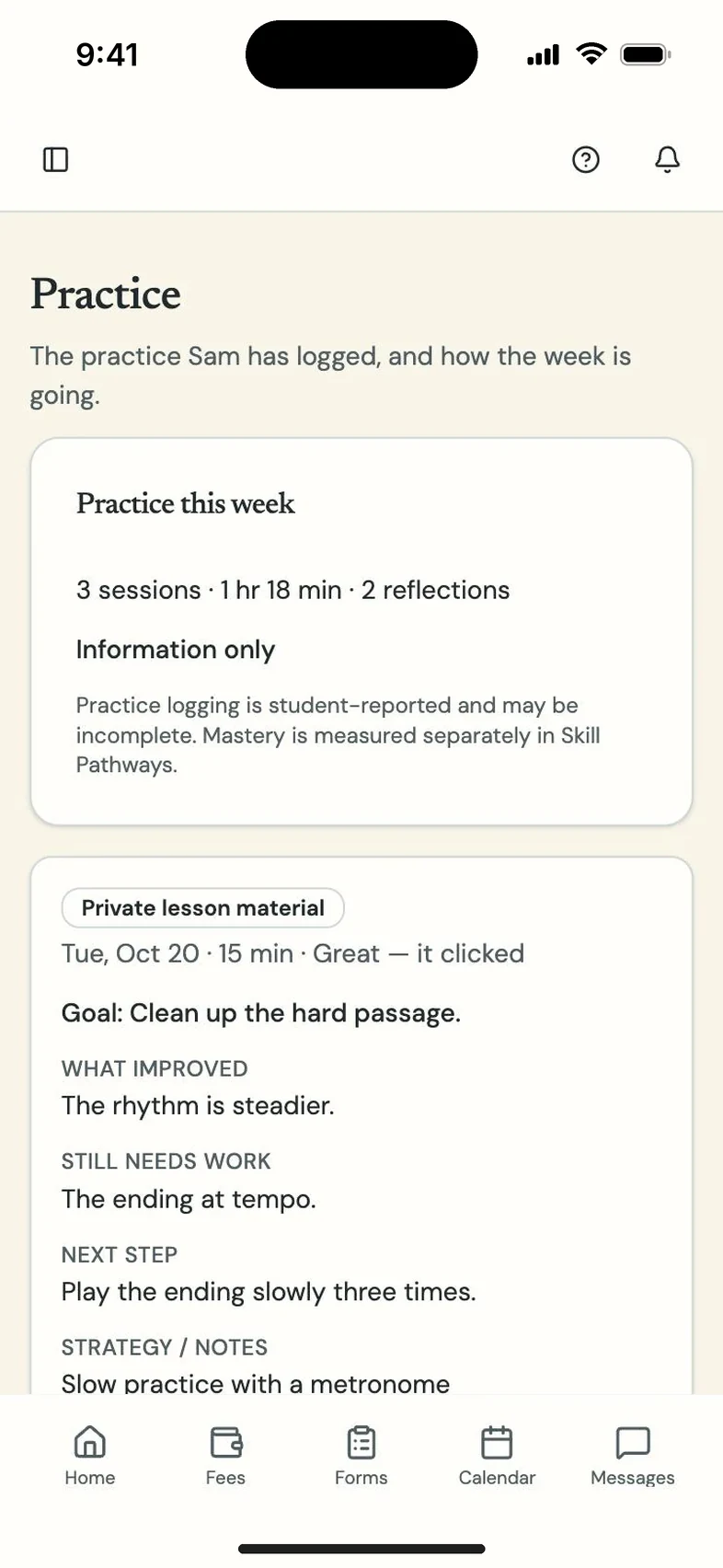
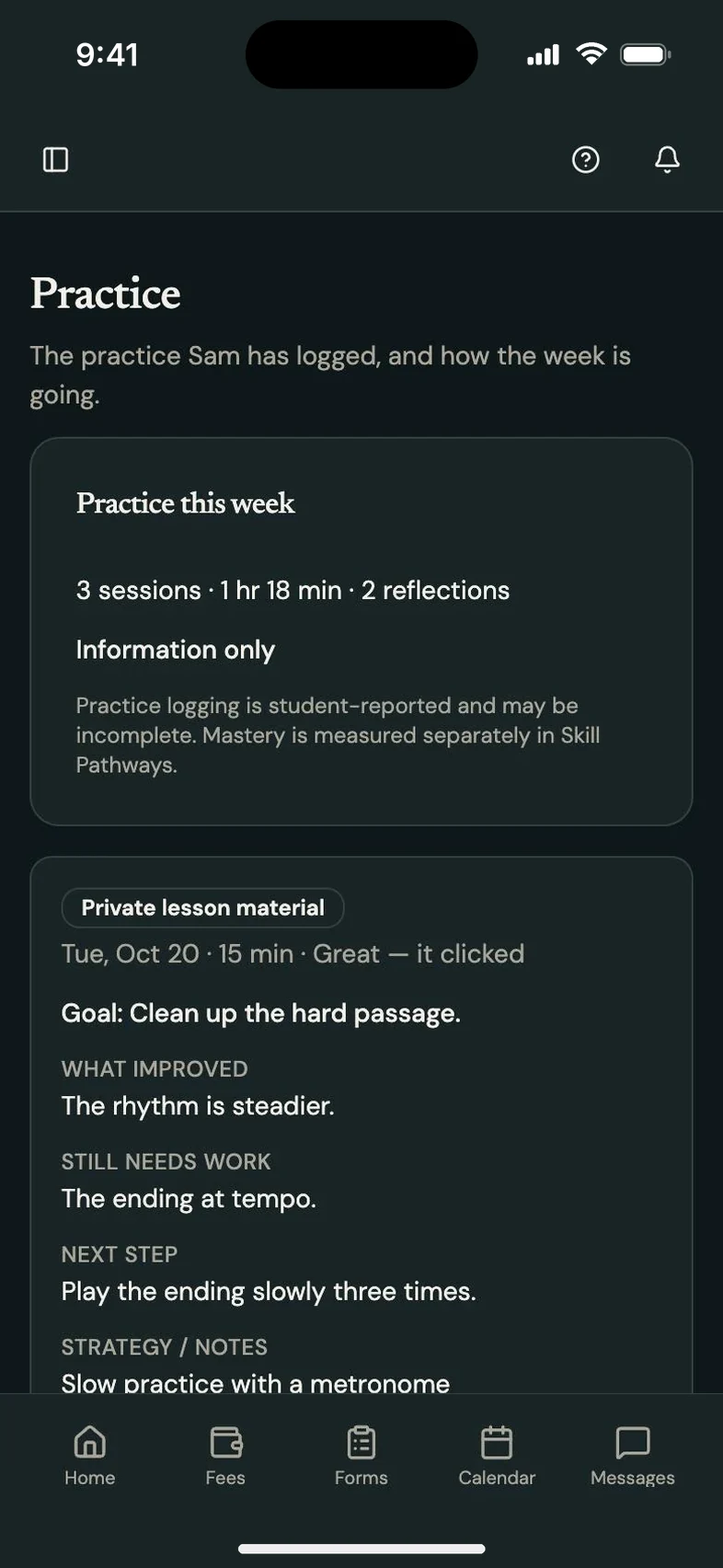
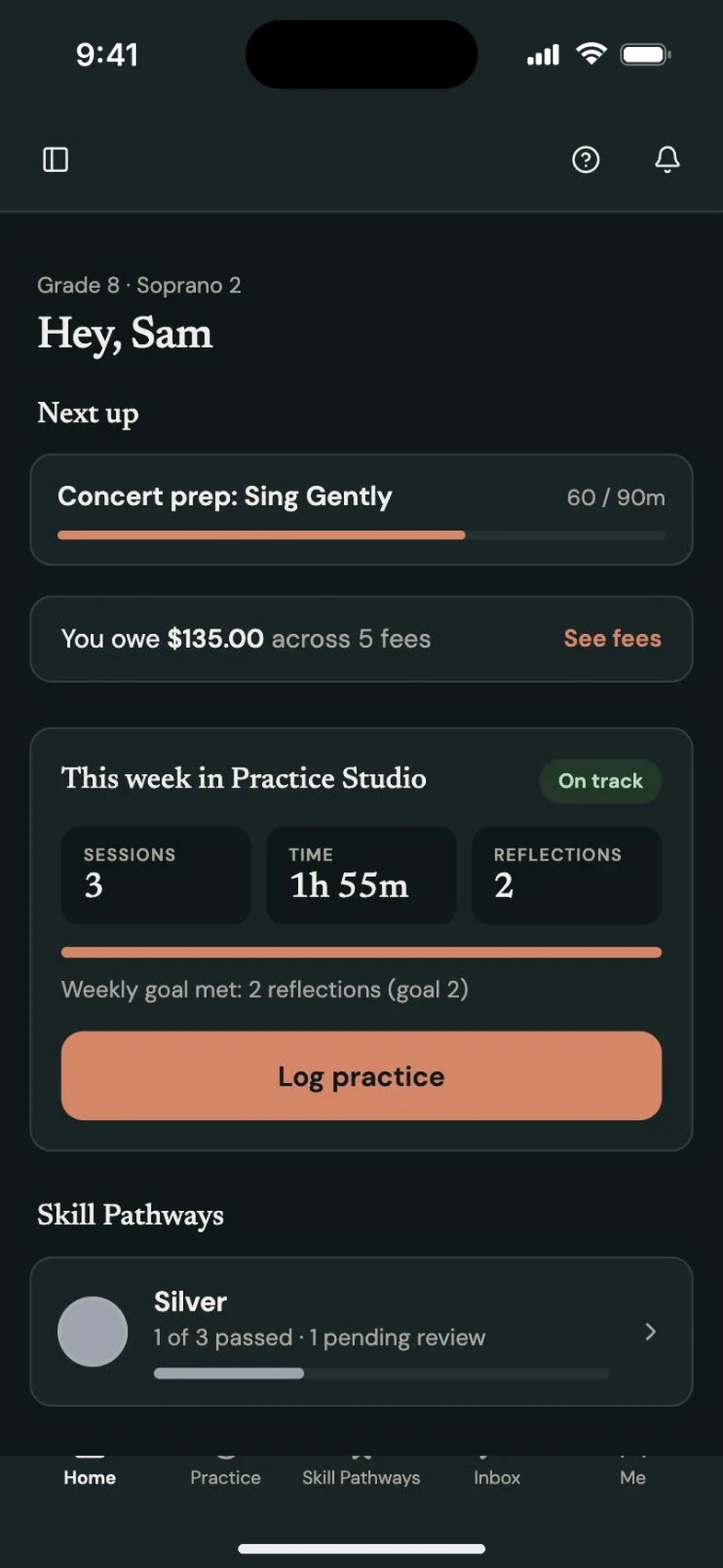
Students move up through levels you define, log their practice from home, and their rankings set the class seating chart. Concert charts build from the same roster.
Skill Pathways is the default. Call it whatever your program calls it:
Students submit video or audio from their phones. You pass it or send it back with a note, and their level updates on its own.
Woodshed: free practice for every student.
Students practice fingerings, rhythm counting, solfège and lyrics for free, with no sign-in. Their Woodshed practice shows up next to their Skill Pathways and practice logs.
Meet Woodshed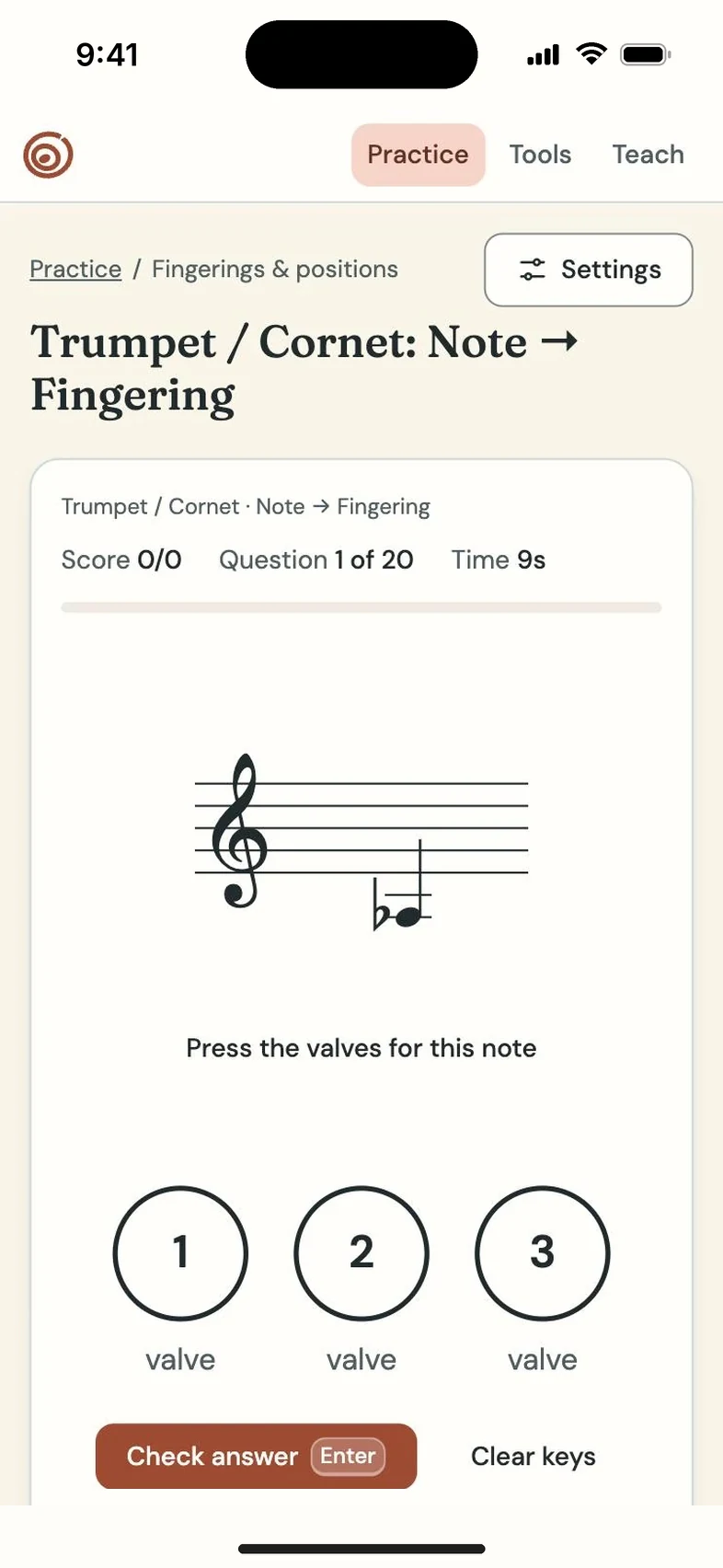
And every standard tool a program office needs.
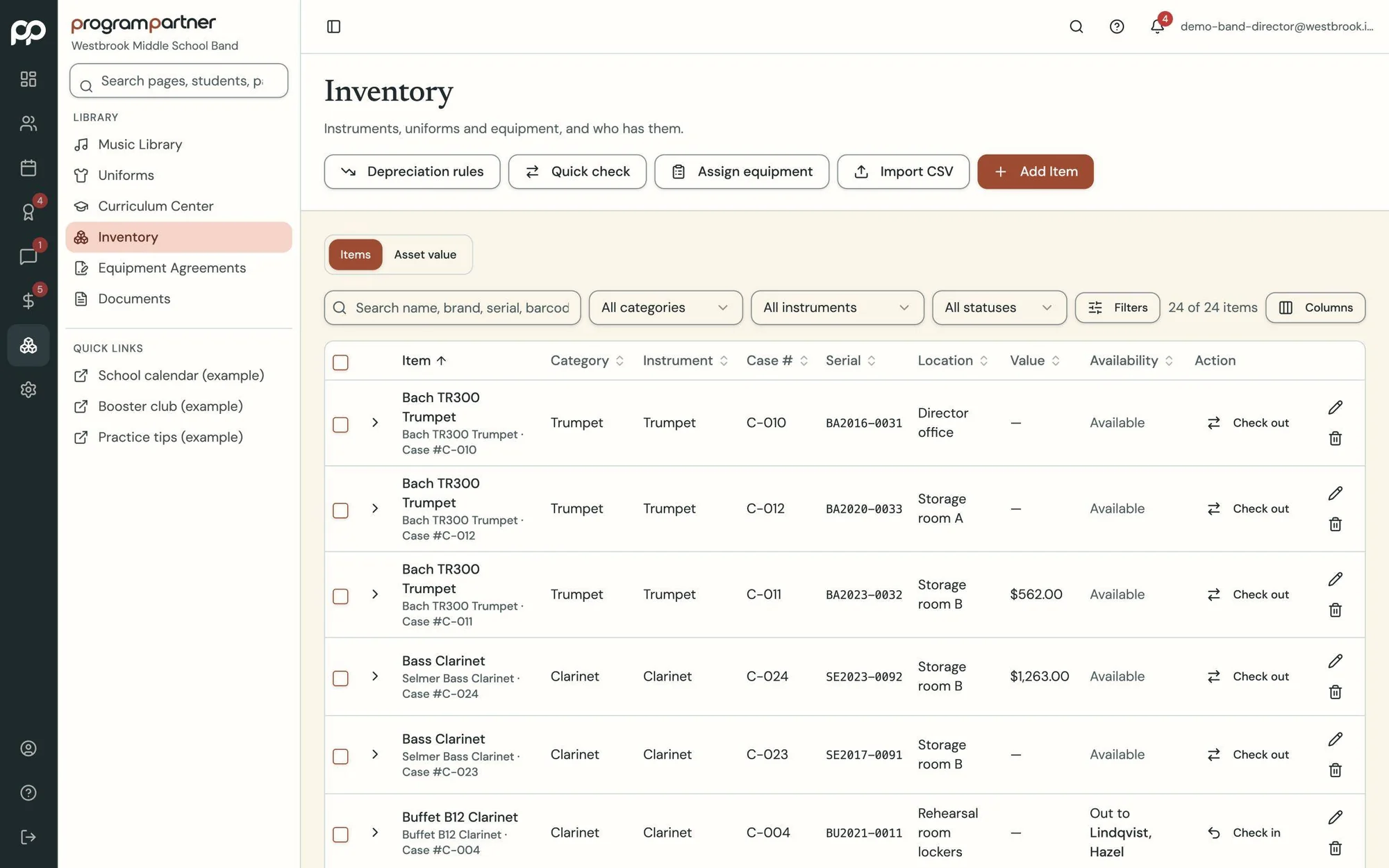
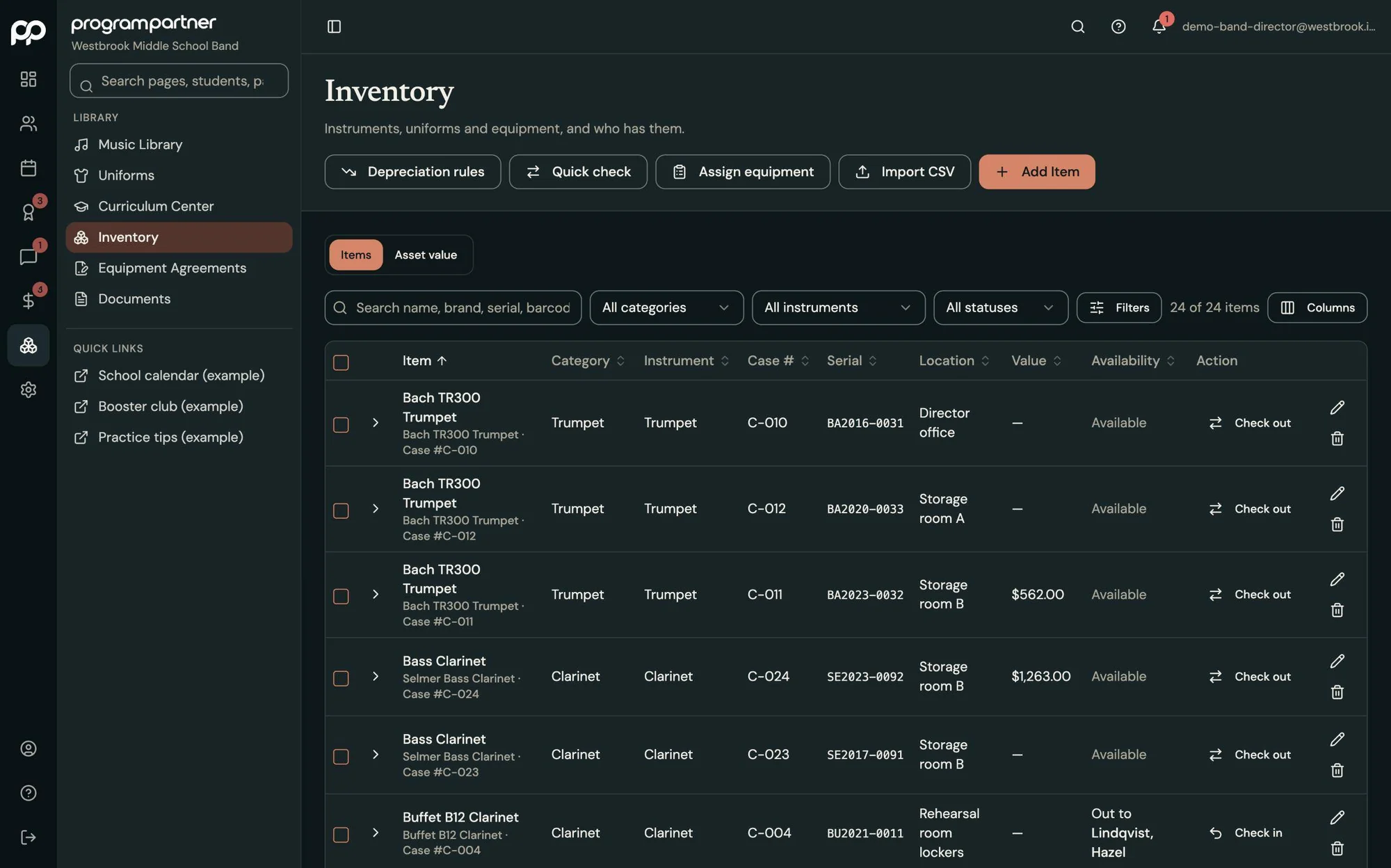
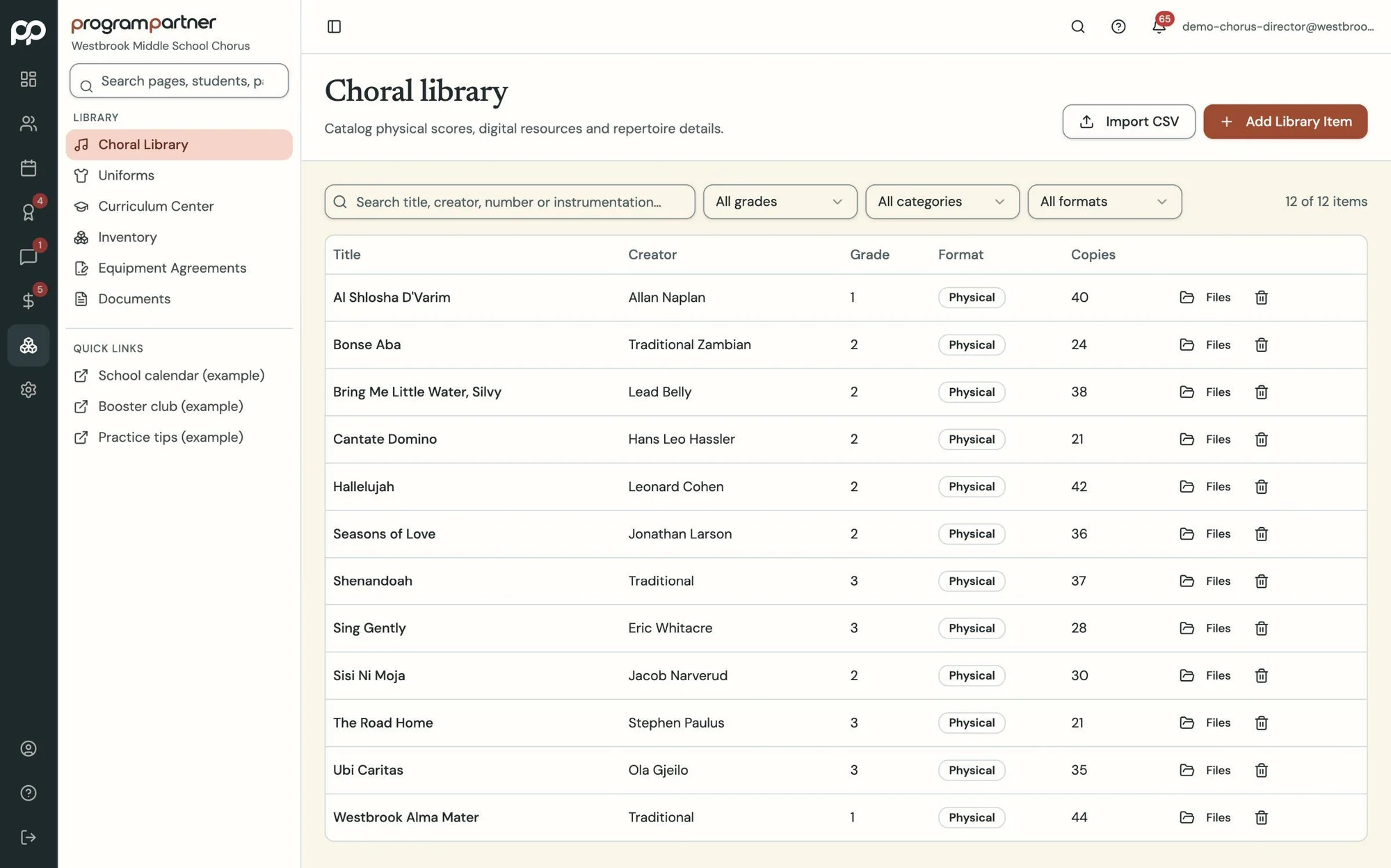
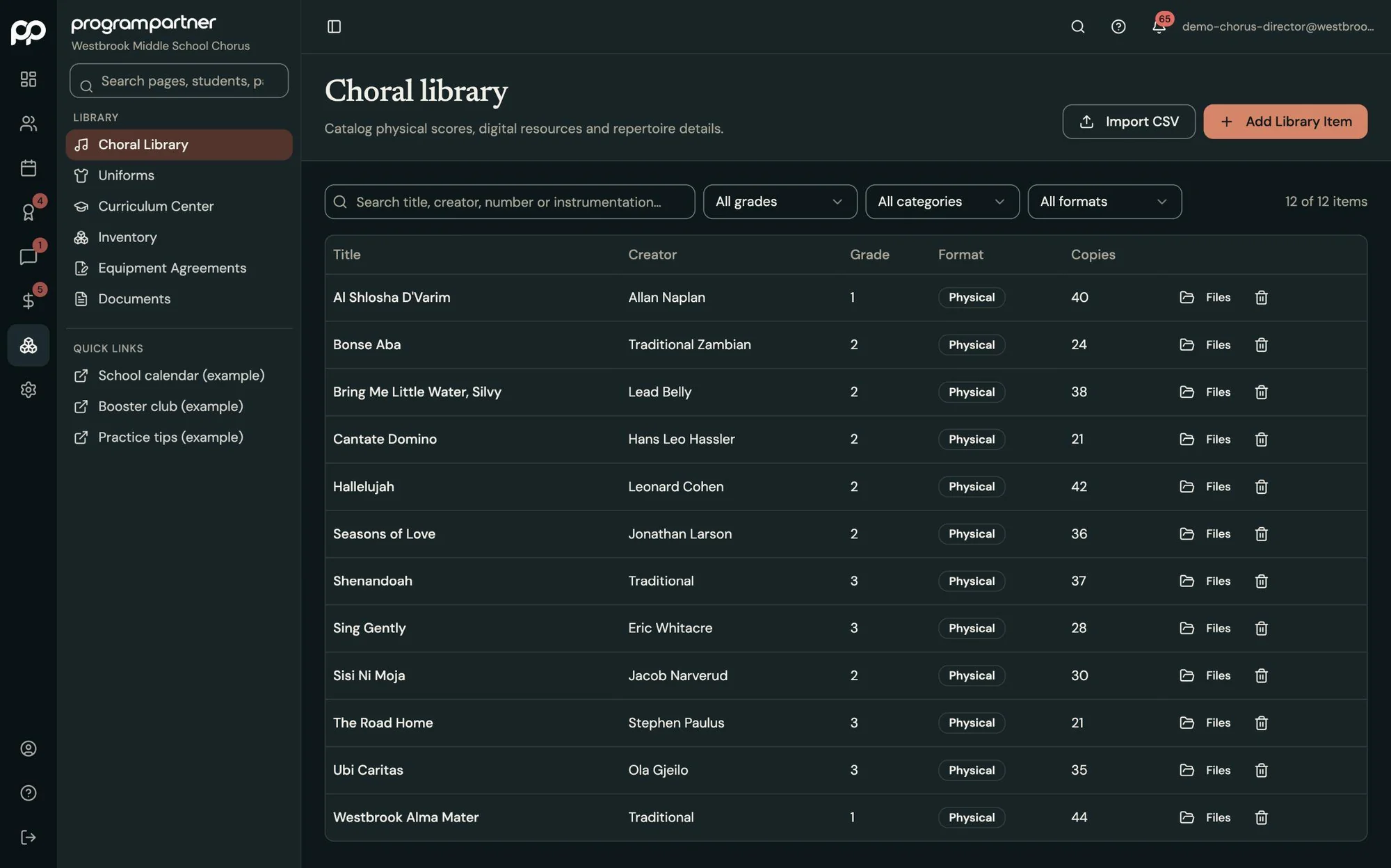
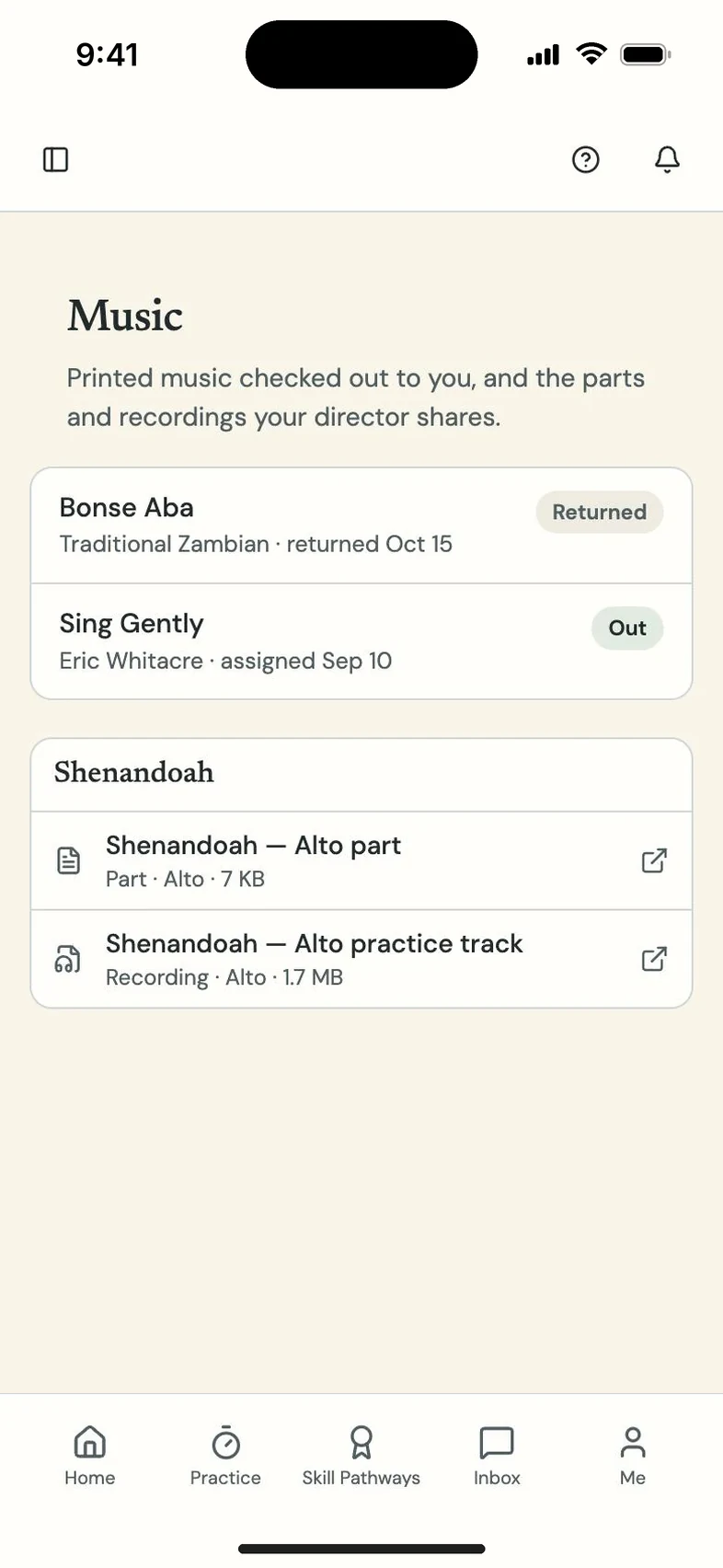
Fees, rosters, forms, trips, inventory and the music library come with it, so you don't need a second system for the basics.
Your money stays yours.
-
Step 1
Family's phone
Families pay from their portal. Venmo works through PayPal.
-
Step 2
Your Stripe, Square or PayPal
The money goes straight into your program's own account.
-
Step 3
Student balance updates
The student's balance updates on its own.
Program Partner charges no payment fees and never holds your funds. Your processor's standard rates still apply.
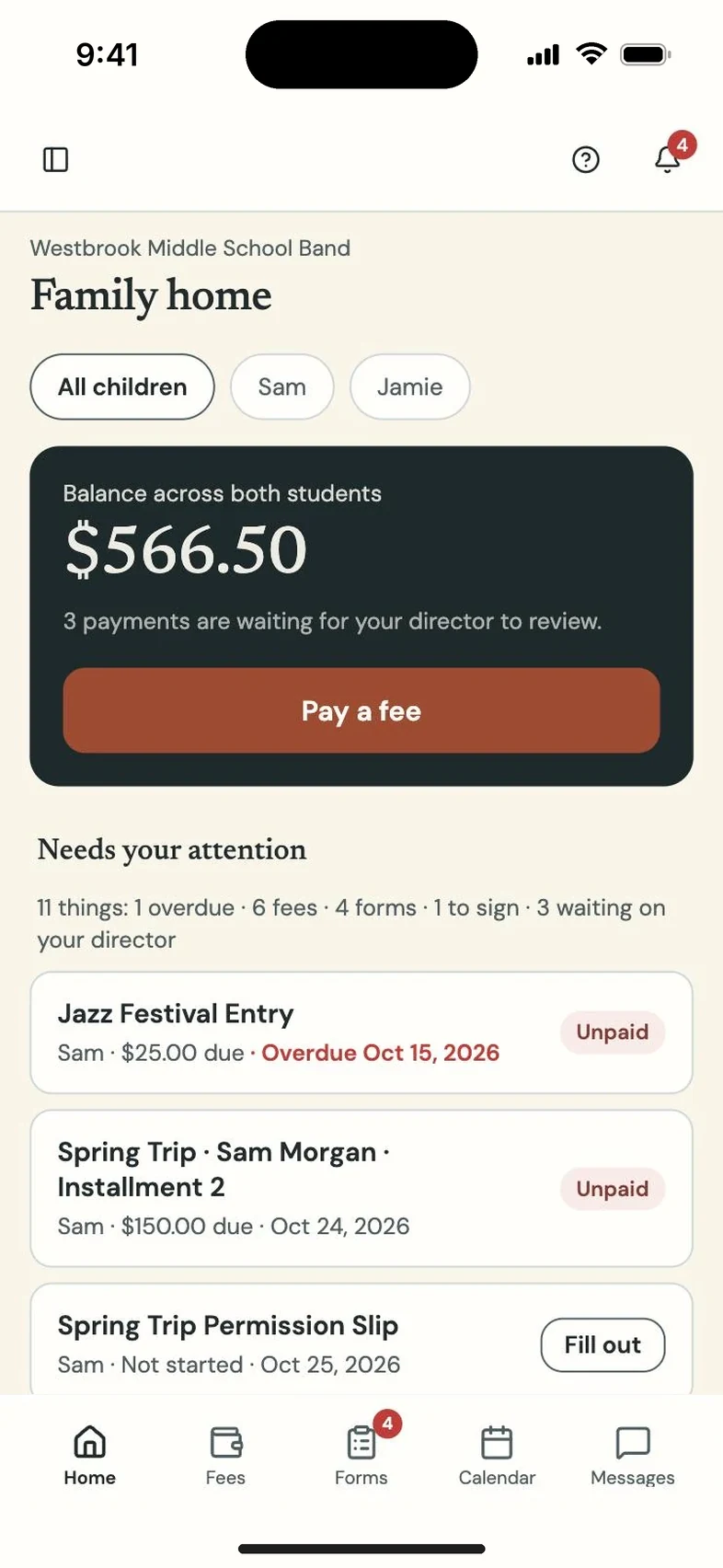
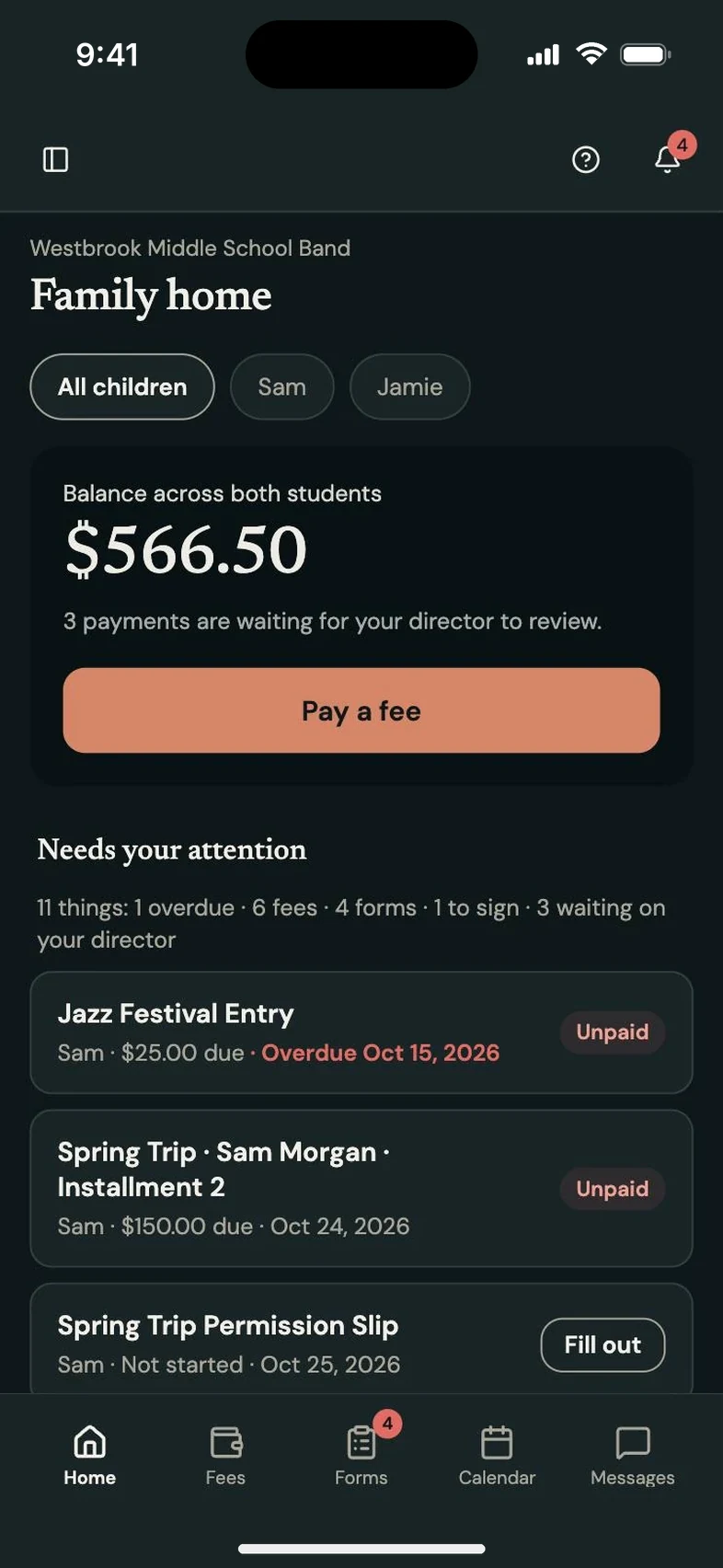
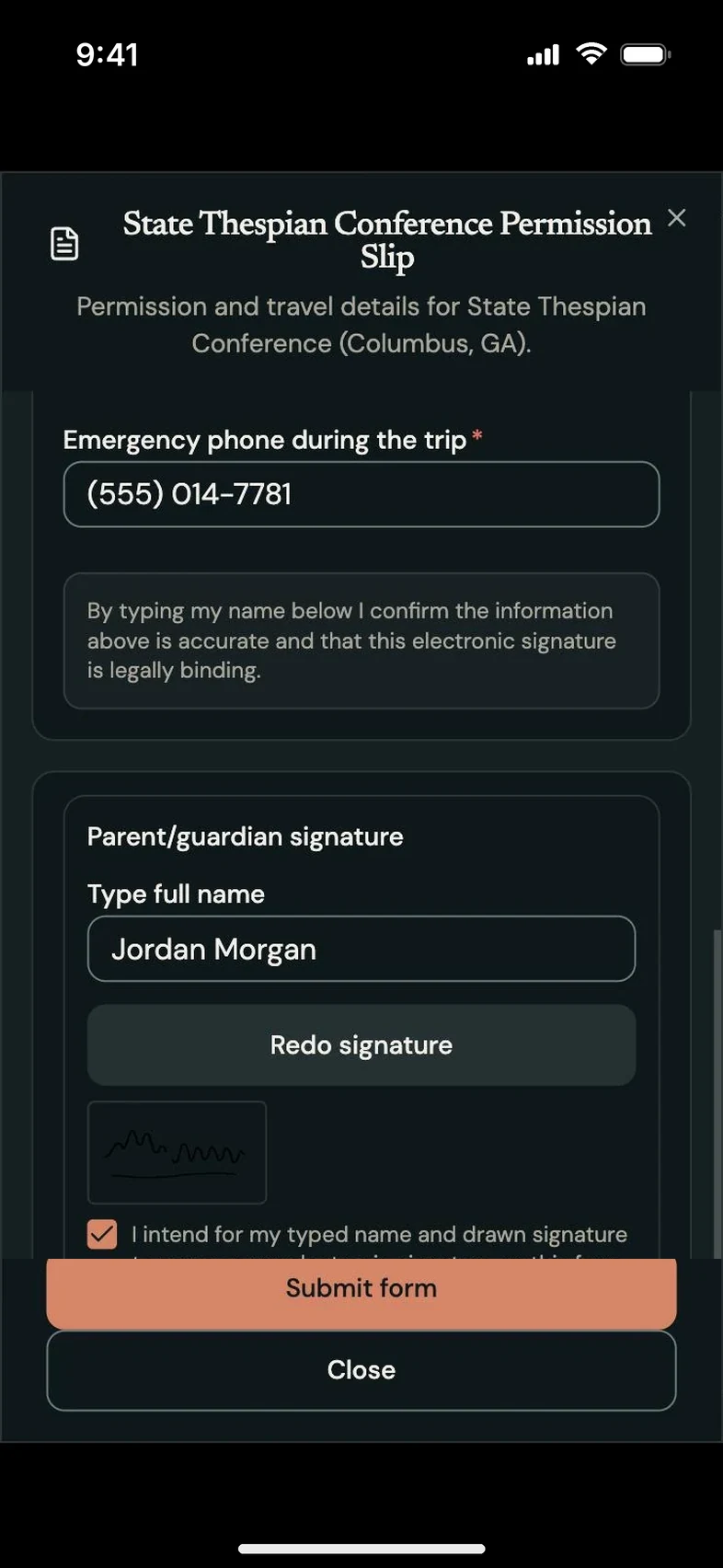
Parents see what they owe. So do students.
Every family gets a portal with balances, forms and announcements. Students can sign in and see their own balance too, so nobody has to ask how much is still owed.
What families see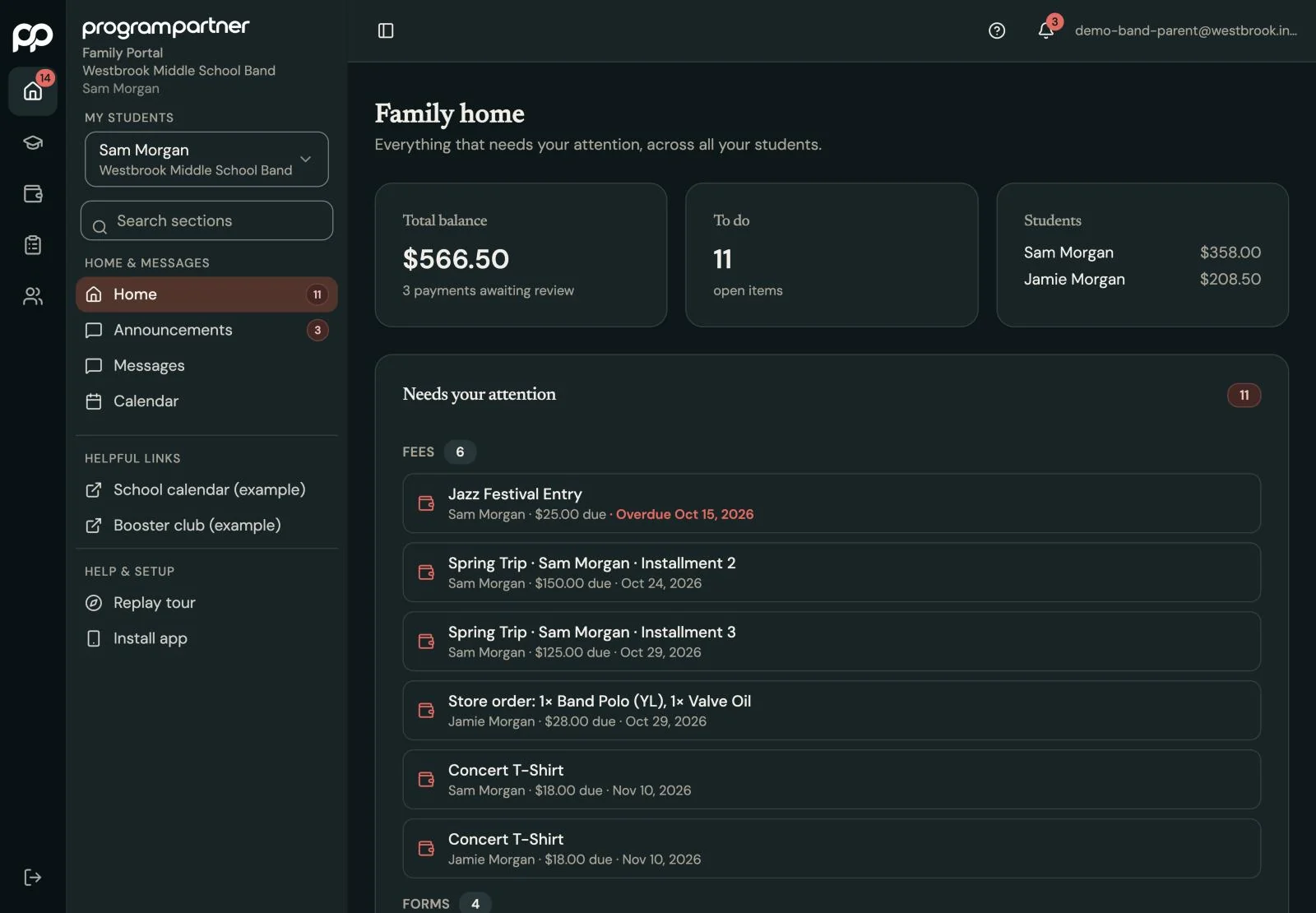
We'll get you running.
Schedule a demo and we'll walk through it with you, using the demo school and your own questions. When you're ready, we'll set you up and import your students, inventory and music library for you.