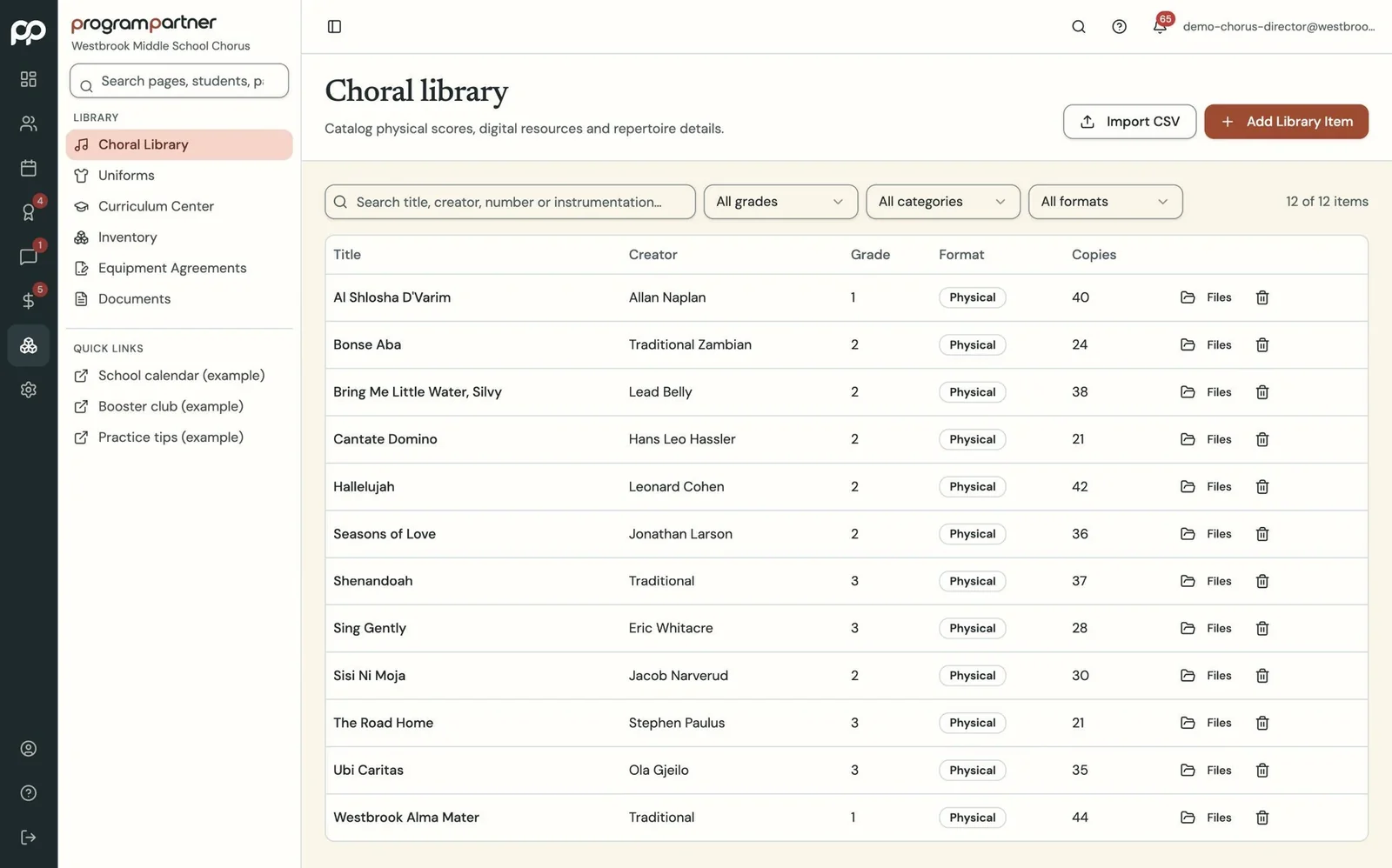
Import your catalog from a spreadsheet, or we'll do it. Then assign parts to students and track what's checked out.
Your library, finally searchable.
Repertoire, scores and part assignments, searchable, with digital parts and practice recordings for students if you want them.
How it works
-
Step 1
-
Step 2
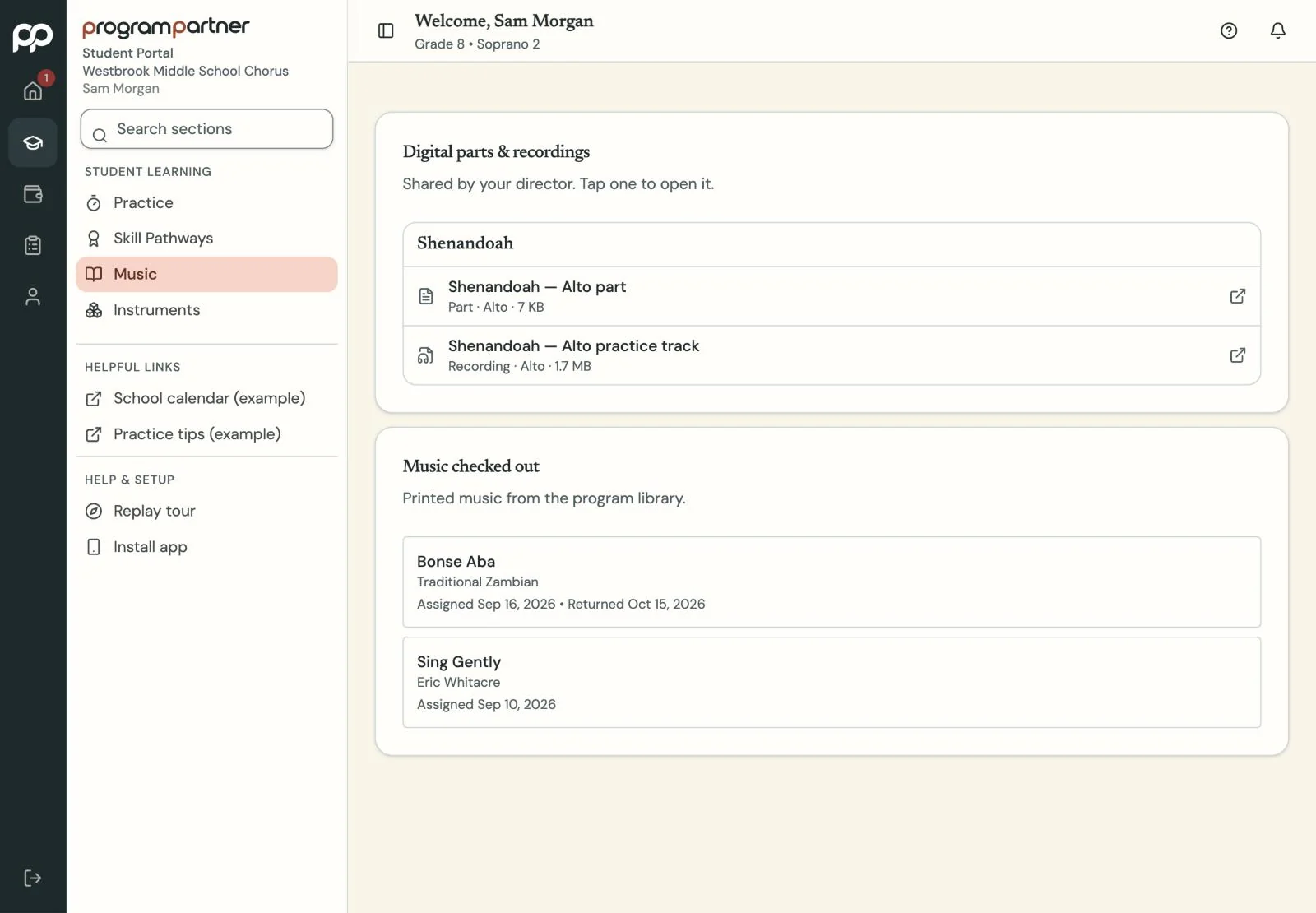
If you choose, share PDF parts and practice recordings with the students playing each piece.
What you get
Your repertoire and scores are searchable, with part assignments and check-outs by student.
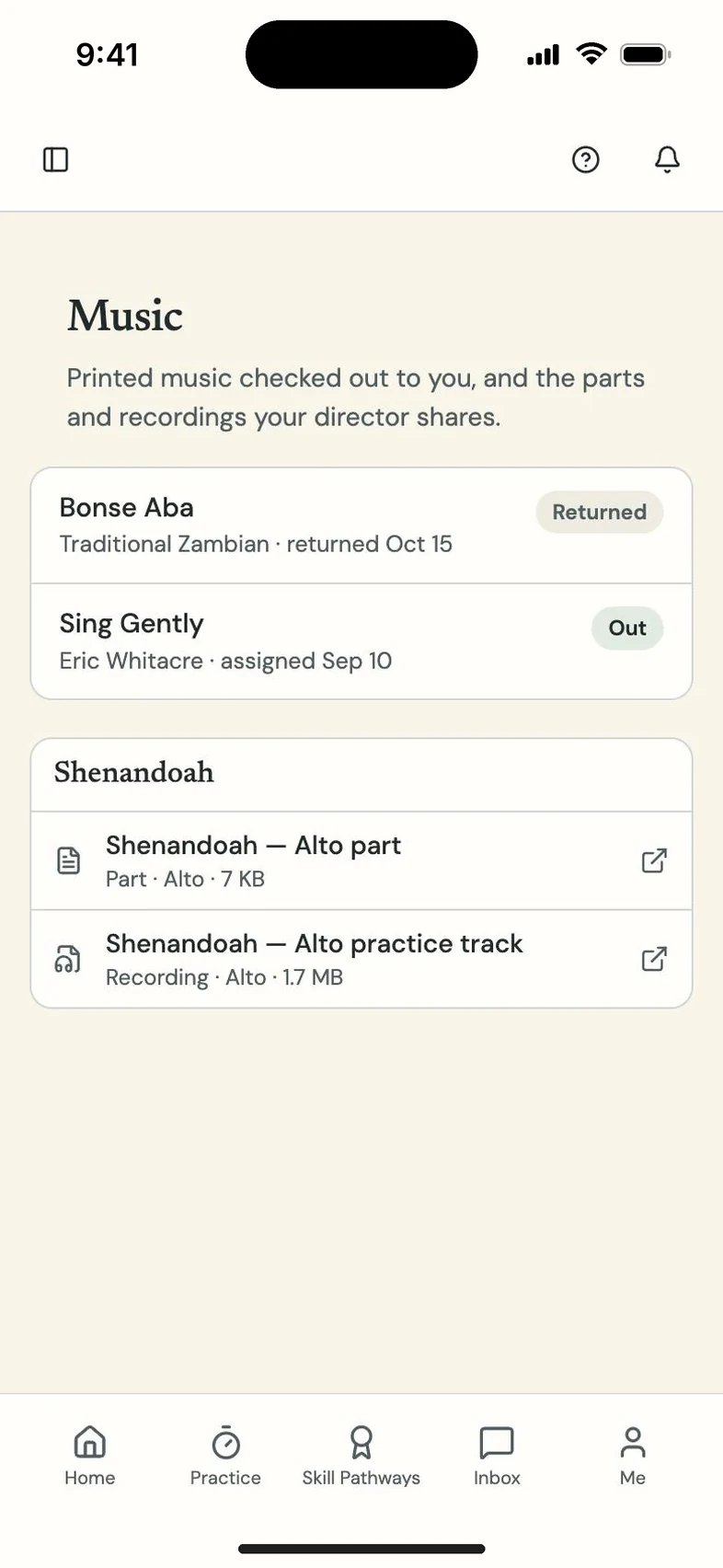
If you turn them on, digital parts, scores and practice recordings are shared with the students who have each piece. Recordings play inside Program Partner instead of as files passed around.
Questions directors and teachers ask
Do I have to use digital parts?
No. They stay off until you turn them on.
Who can hear a recording?
Only the students you share it with.