
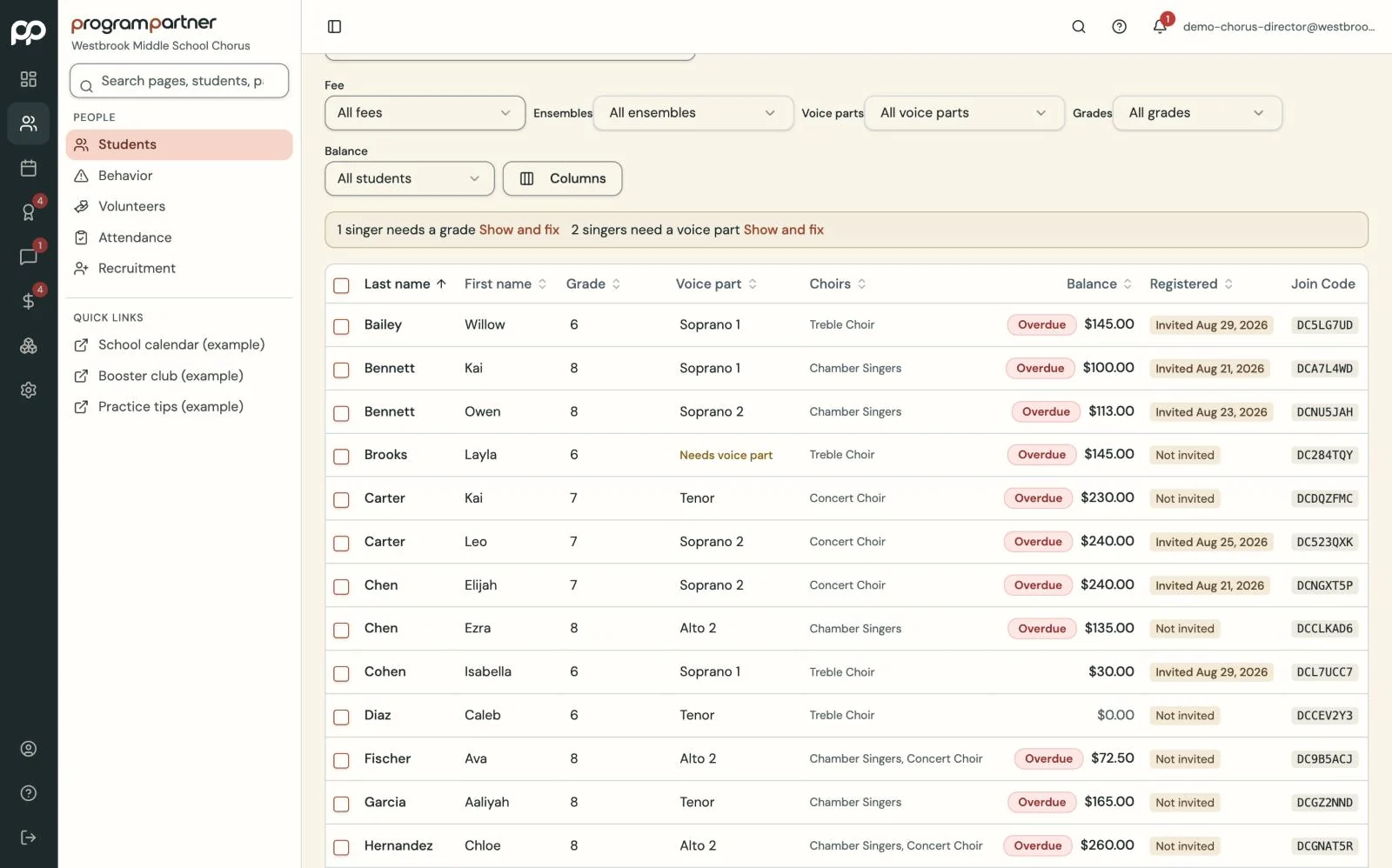
Import your roster from a spreadsheet, or send it to us and we'll do it.
One roster everyone can trust.
Students, guardians and ensembles on one roster, with portals that answer parents' questions before they reach your inbox.
How it works
-
Step 1
-
Step 2
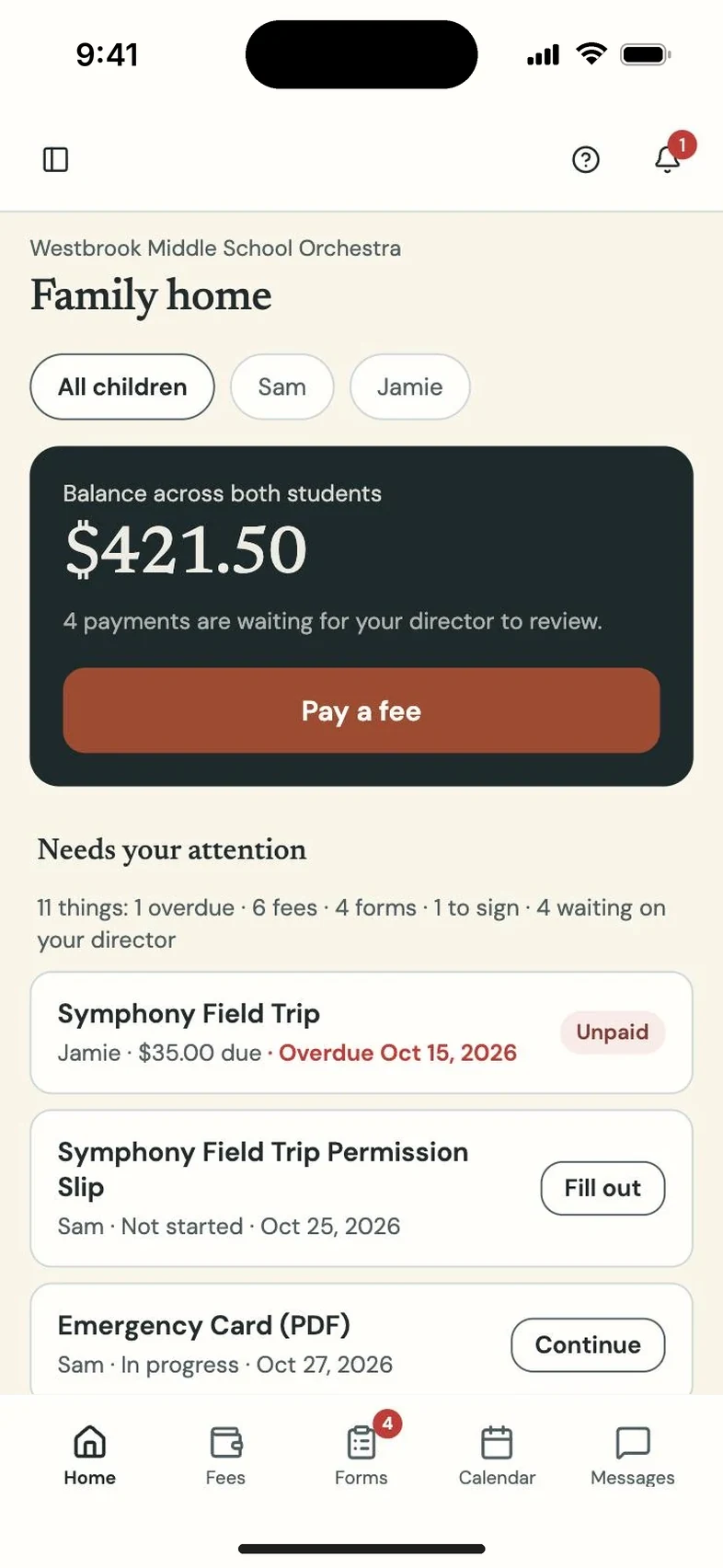
Give each family a private registration code. Parents and students sign in to see balances, forms and announcements.
What you get
Each student profile holds guardians, ensembles, instrument and section. Every family gets a private registration code and a welcome letter.
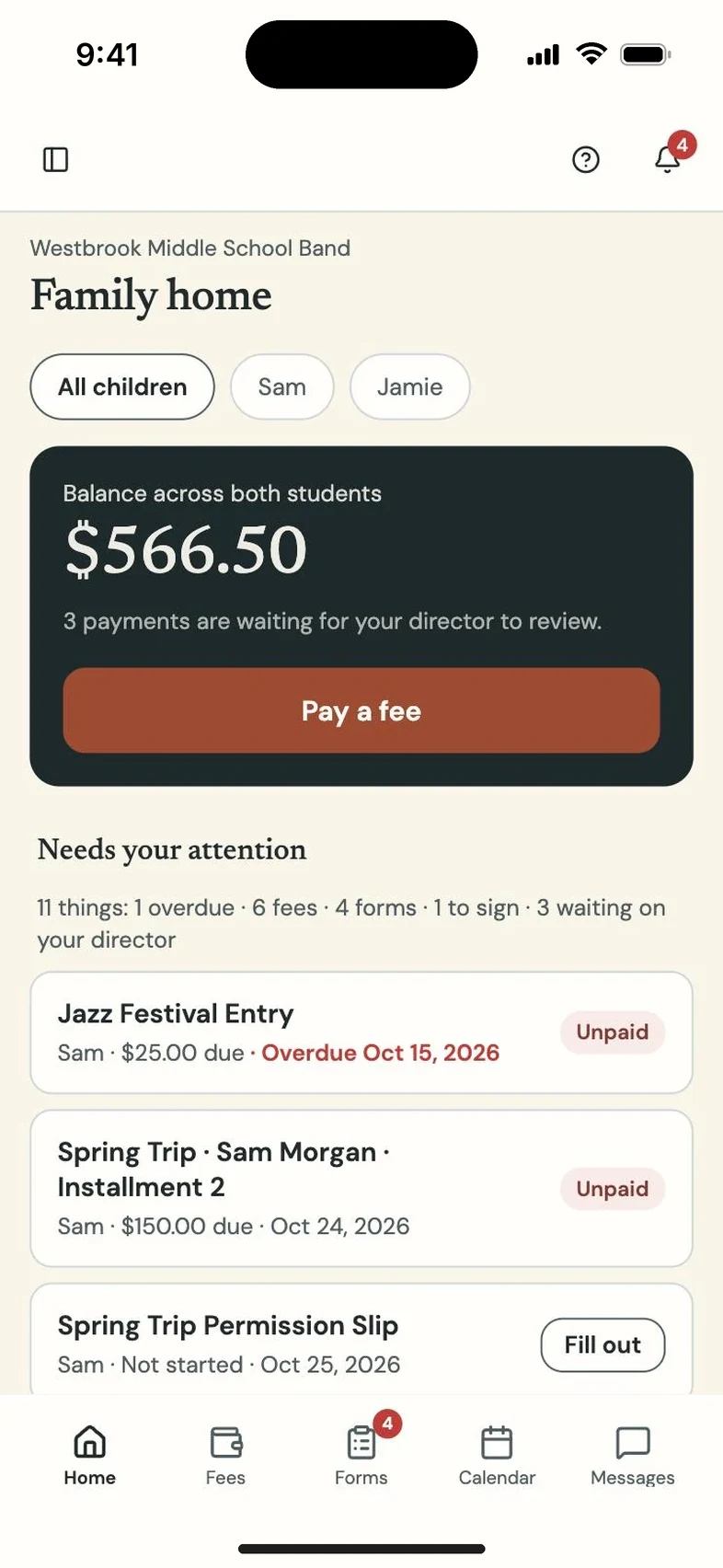
Parents see balances, forms and announcements for every child they're linked to. Students see their own balance, assignments and music.
At the end of the year, rollover promotes grades, archives graduates and carries balances forward, with a record of every change.
Questions directors and teachers ask
Who creates parent accounts?
You do, from inside Program Partner. Families join with the code you give them.
What happens to a student who leaves?
Archive them. Their logins close, their history stays, and you can bring them back.
Does rollover ever delete anyone?
No. It never deletes a student or erases a balance.